
Scanner hire
Our handheld scanner hire is built for exhibitors who want fast badge capture at the stand without relying only on paper forms. Choose scanner rental for the days of the show, then tag leads and hand them over to your sales team in a clean format.
Scanner hire for busy exhibition stands
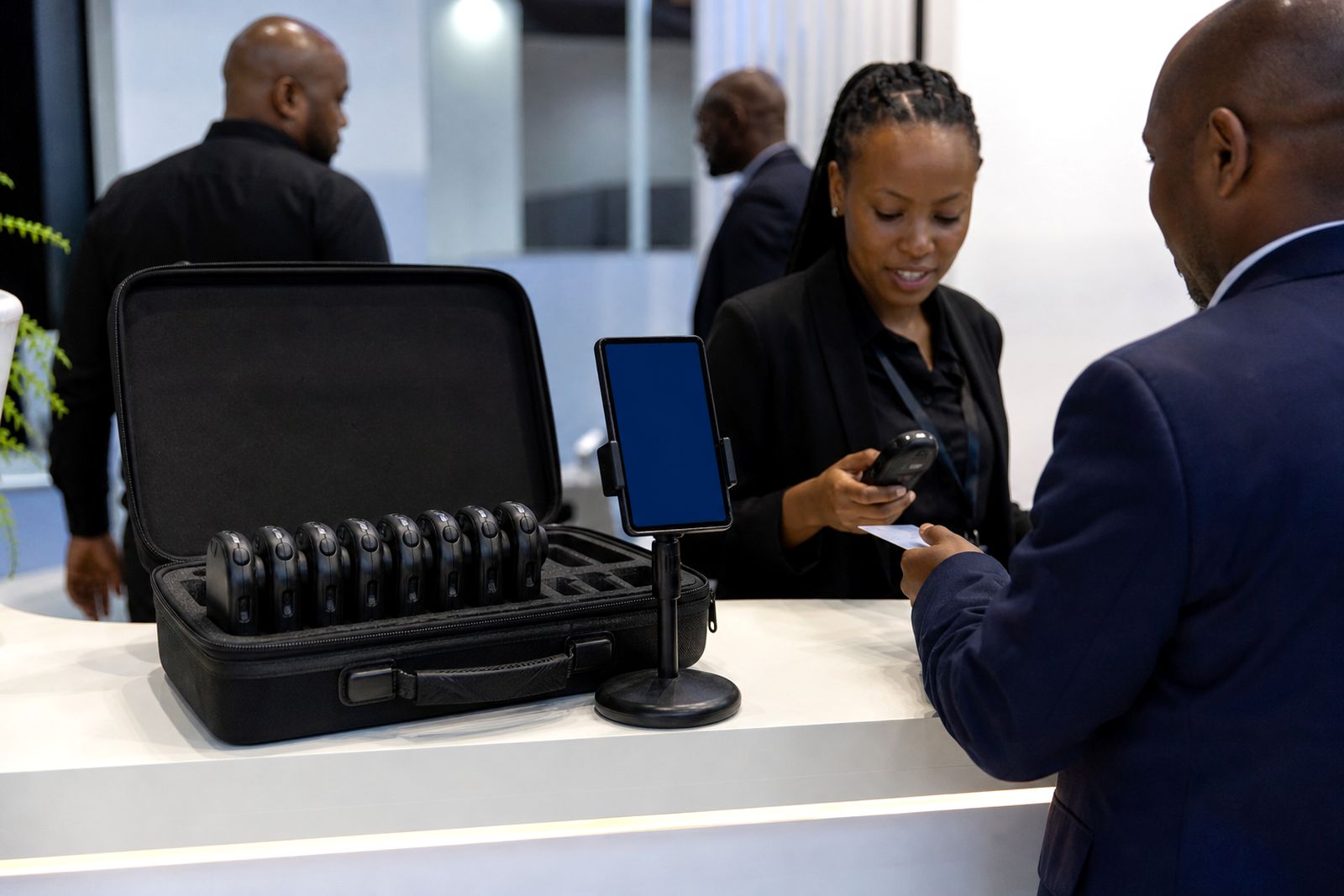
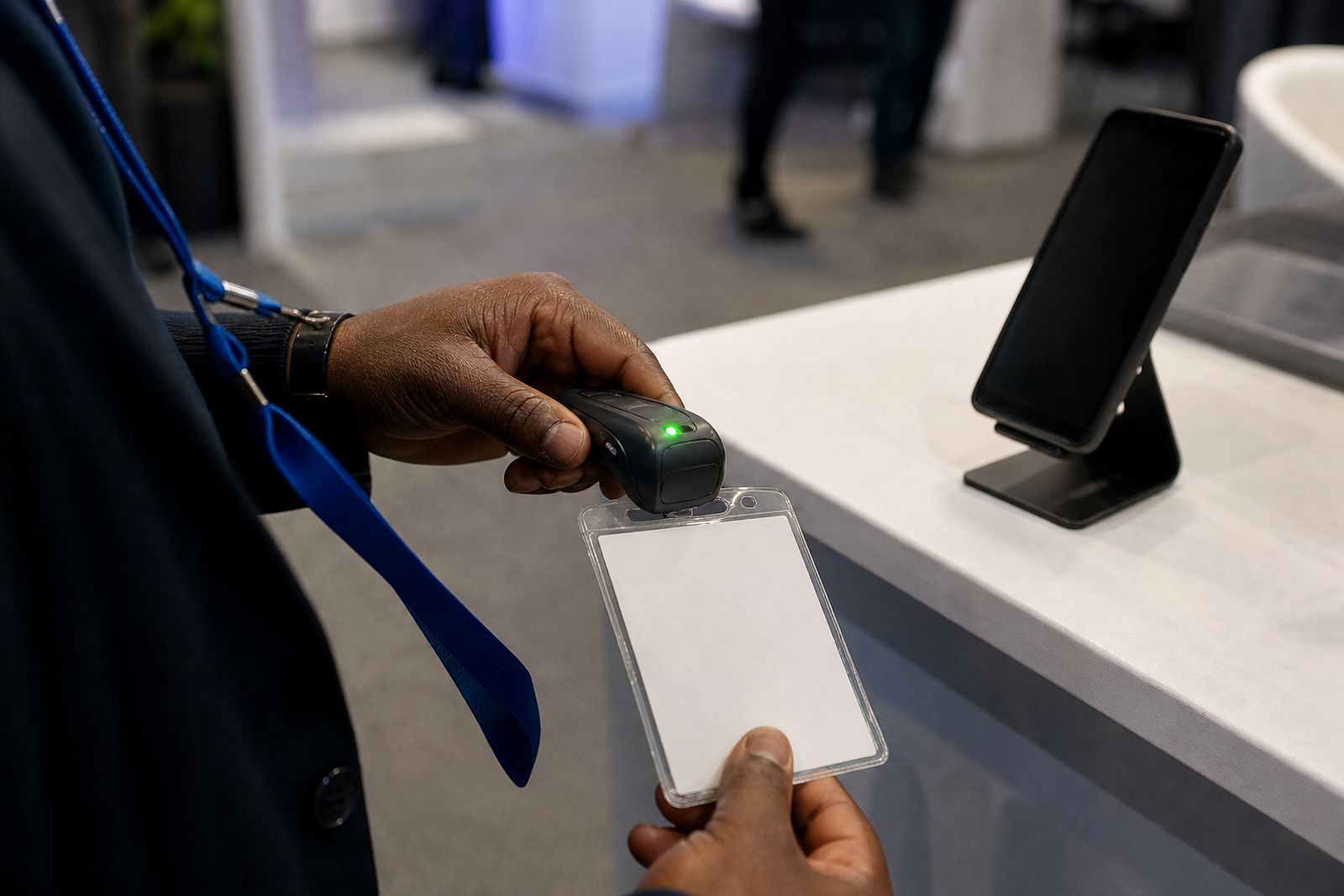
When foot traffic picks up, a handheld scanner gives stand staff one job to do properly: scan the visitor badge and move to the next conversation. That matters on crowded aisles in Johannesburg, Durban and Cape Town where a queue at the stand can cost you good leads. A scanner is a practical choice if you want a dedicated device in hand rather than asking every team member to use their own phone.
Our scanner hire service is for the show days only, with the equipment prepared for badge capture at the event. Once a badge is scanned, the lead can be reviewed and passed into your follow-up process after the event. If you also want lead tagging and voice notes on the floor, you can compare scanner hire with our phone app and choose the setup that suits your team.
When a handheld scanner is the better option
Some exhibitors prefer scanners because they keep the process simple and consistent across temporary stand staff. The device is handed over, used for scanning, and returned after the show. There is less variation between users and less chance of staff getting distracted by personal notifications or flat batteries on their own phones.
- Good for large stands with rotating staff shifts.
- Useful where the organiser issues barcodes or QR codes that need quick repeated scanning.
- Suitable when you want one device per counter or demo area.
- Helpful where visitors arrive in bursts and speed matters more than long note taking.
- Often preferred when exhibitors do not want work data stored on personal handsets.
If your team wants to score leads hot, warm or cold on the spot and record a voice note after each conversation, the phone app may suit you better. If you mainly need reliable badge capture during the rush, scanner hire is often the cleaner option.
How to choose between scanners and the phone app
Both options are used for exhibitor lead capture, but they fit different stand routines. The best choice depends on how many staff you have, how fast visitors move through the stand, and how much detail you need to record before the next visitor arrives.
- Choose scanners if: you want dedicated hardware, very fast hand-to-hand use, and a simple scanning workflow.
- Choose the phone app if: you want each lead tagged immediately as hot, warm or cold, with a voice note added at the stand.
- Choose a mixed setup if: your front line needs speed while a senior team member reviews and qualifies the best leads.
At indoor expos, scanner handling is usually straightforward. In coastal conditions like Durban and Cape Town, it still helps to keep devices dry and stored away from open drinks, especially during breakdown when tables get messy. A little discipline saves time later.
What to plan before the show opens
Scanner hire works best when the stand plan is sorted before the doors open. Decide who will hold each device, who checks that scans are being done properly, and where equipment is kept during breaks. It sounds basic but on day one these small things are often missed.
- Assign each scanner to a role or counter point.
- Brief staff on when to scan, before or after the conversation.
- Agree on a backup process if the aisle gets congested.
- Set aside a safe charging point overnight where permitted.
- Keep collection and return times written into the stand schedule.
If the venue has restrictions on access times or courier deliveries, plan early. Many exhibition halls have strict contractor windows and vehicle rules, so collection and return should not be left to the last hour. This is especially true on breakdown day when traffic around the loading areas gets tight.
Collection, return and day-to-day handling
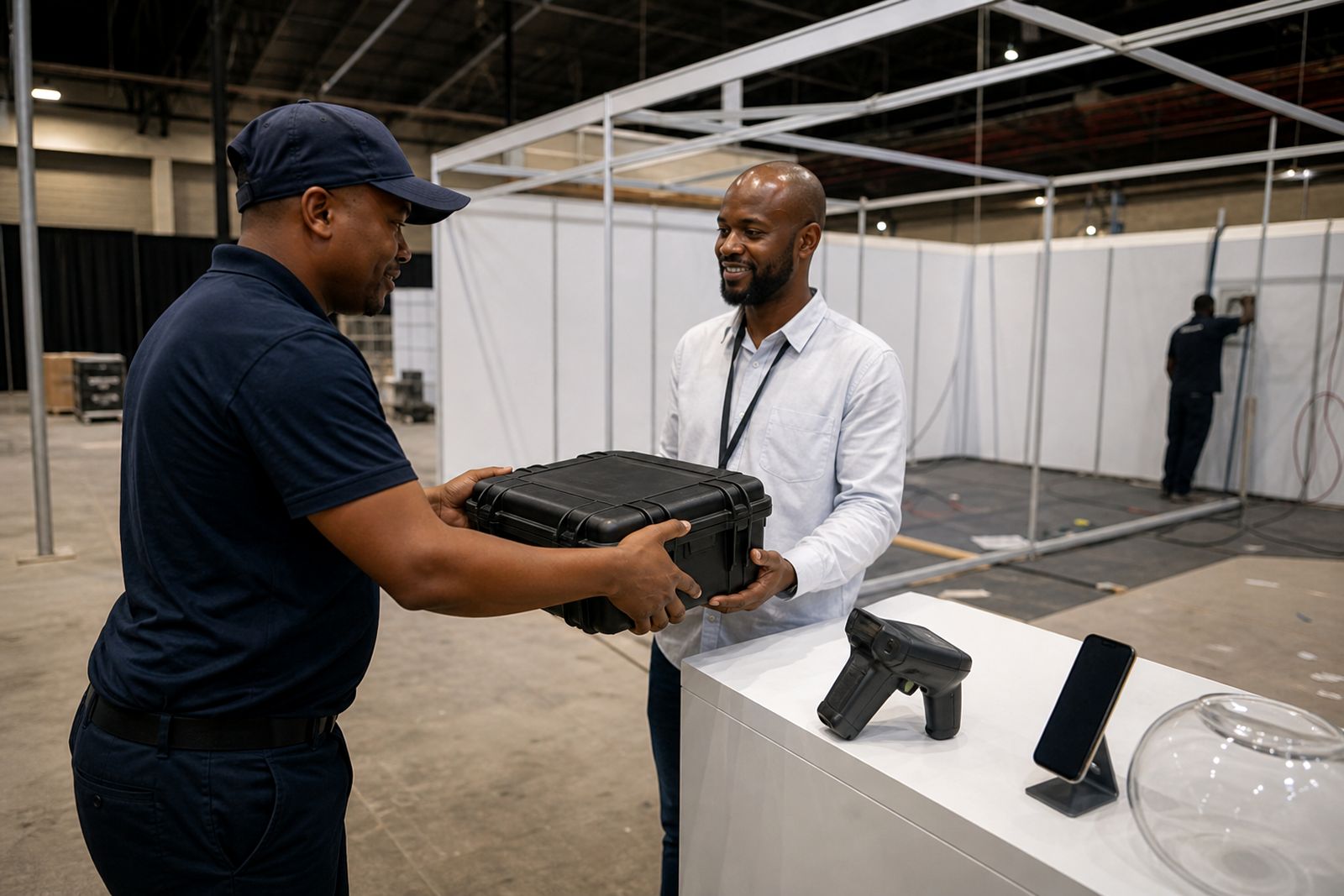
Scanner hire is meant to be practical. The equipment is collected, used for the duration of the show, and returned as arranged. For exhibitors travelling in from Durban or Cape Town, build enough time into your logistics so the devices are where your team needs them before stand build finishes.
During the event, keep scanners on the stand and under the control of the team lead. Do not leave them loose in storerooms, under counters, or with casual crew after hours. If the venue experiences power cuts or delayed access to halls, having a clear custody plan makes the morning start much easier. A five minute check at opening can prevent a scramble later.
What happens after scanning
Once the show is done, the real value comes from follow-up. Badge scans need to move into your sales process quickly while conversations are still fresh. If your team used the phone app as well, tagged leads and voice notes can help your sales staff decide who to call first and what to say.
For exhibitors who already work in a CRM, the next step is to make sure the captured leads are handed over in the format your team can use. If you are still deciding between scanners and the app, think about the end of the process not just the scan itself. Quick capture on the floor matters, but clean handover matters just as much.
What our Lead Capture customers say
Verified Google reviews
Questions we get asked
How long can we hire scanners for?
Scanner hire is arranged around the days of your expo. Tell us your show dates and access times through the contact page enquiry form, and we will advise on the rental window.
Can we use scanners in Durban and Cape Town as well as Johannesburg?
Yes. We support exhibitors at expos in Johannesburg, Durban and Cape Town. Share the event city and timing in your enquiry so collection and return can be planned properly.
Should we choose scanners or the phone app?
Choose scanners if you want dedicated devices for fast badge capture at the stand. Choose the phone app if your team wants to tag leads hot, warm or cold and add a voice note straight after each conversation.
Book scanners for your stand
Send a note through our contact form with the expo, your stand size and how many staff will scan, and our team will reply with options.
Open the contact form