Phone app
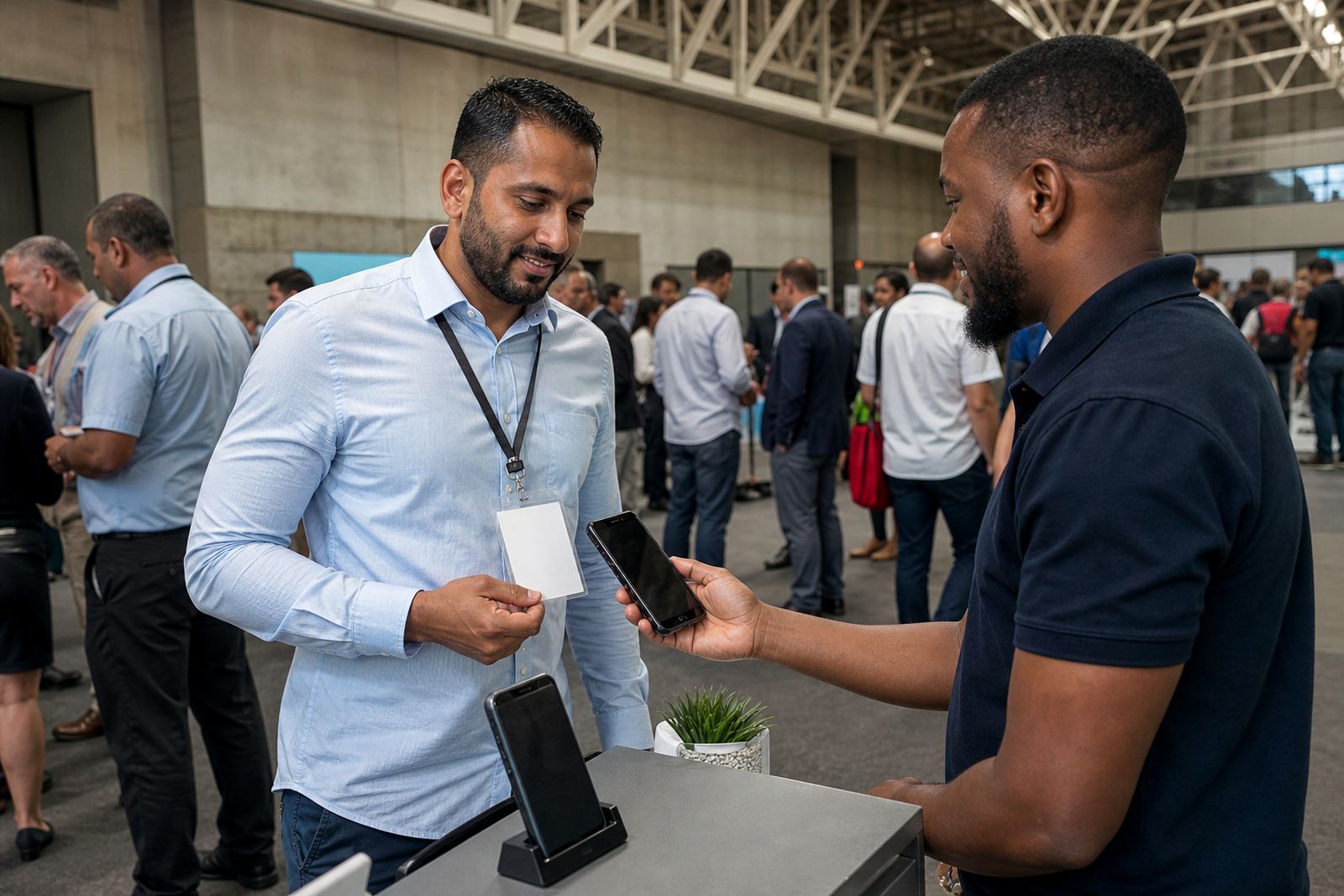
Our phone app lets stand staff scan visitor badges using the phones they already carry. It suits exhibitors who want quick setup, simple lead tagging and fast handover to the sales team after the show.
Use your own phones at the stand
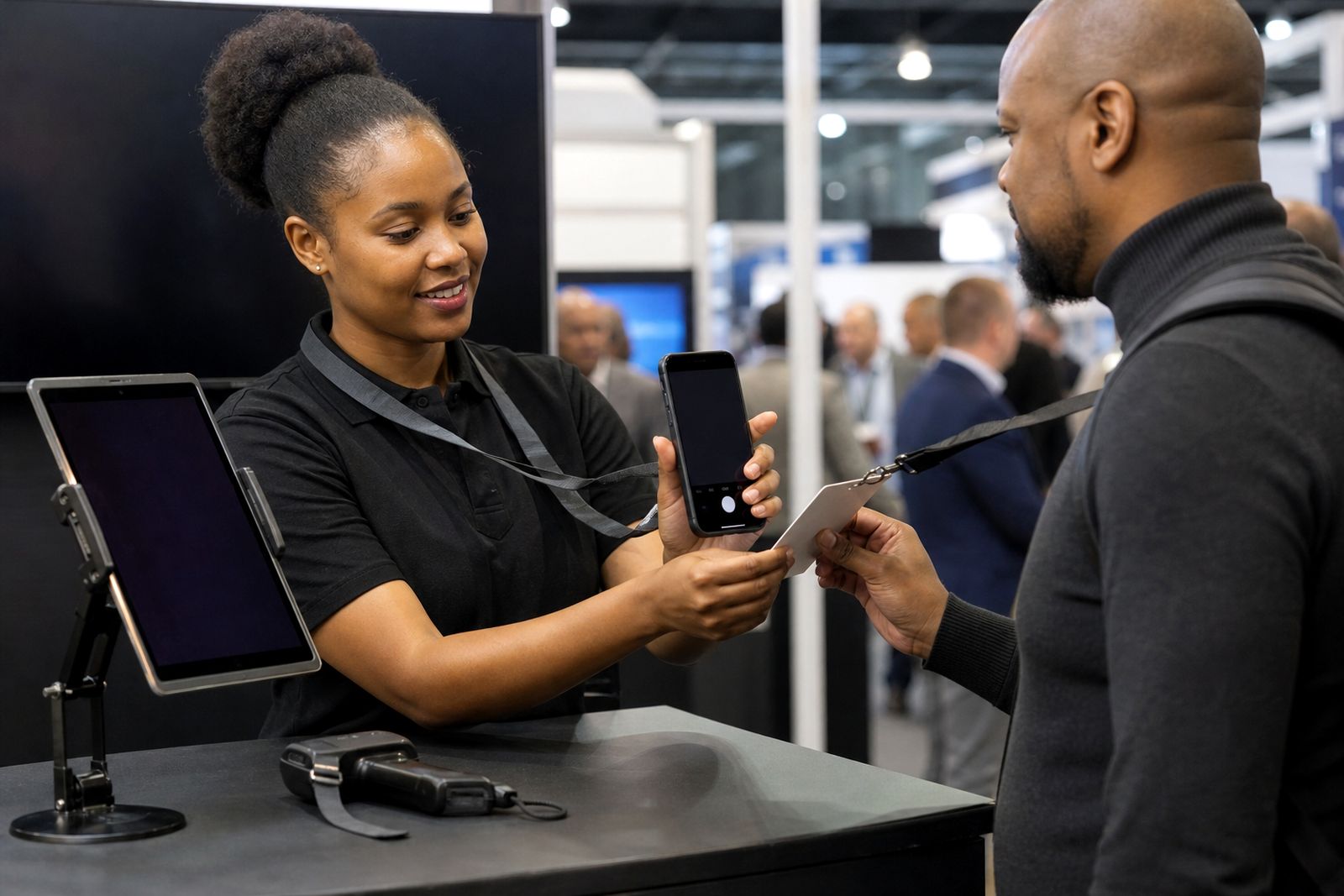
The phone app is a practical option for exhibitors who do not want extra hardware on the stand. Your team scans badges on their own phones, tags each lead as hot, warm or cold, and adds notes while the conversation is still fresh. That means less paper, fewer missed details and less sorting out later at the hotel or back at the office.
It works well for smaller stands, roaming teams and product staff who move between demos and meeting areas. In Joburg, Durban and Cape Town, many exhibitors prefer phone-based scanning because it is quick to roll out and easy to manage over a busy build-up day.
When the phone app is the better fit
Choosing between the phone app and scanner hire depends on how your team works during an expo. If your staff already use company phones on site and you want each person to qualify leads directly, the app is often the simpler choice.
- Choose the phone app if: your team is spread across the stand and each person needs their own lead list.
- Choose the phone app if: you want staff to add notes straight after each conversation.
- Choose the phone app if: you need a quick setup with less equipment to collect and return.
- Consider handheld scanners if: your stand has fixed counters where one shared device makes more sense.
- Consider handheld scanners if: some staff are not comfortable using their own phones during show hours.
If you are unsure, start with how many people will actively scan and who will follow up the leads after the show. That usually makes the choice clearer.
What staff can capture in one interaction
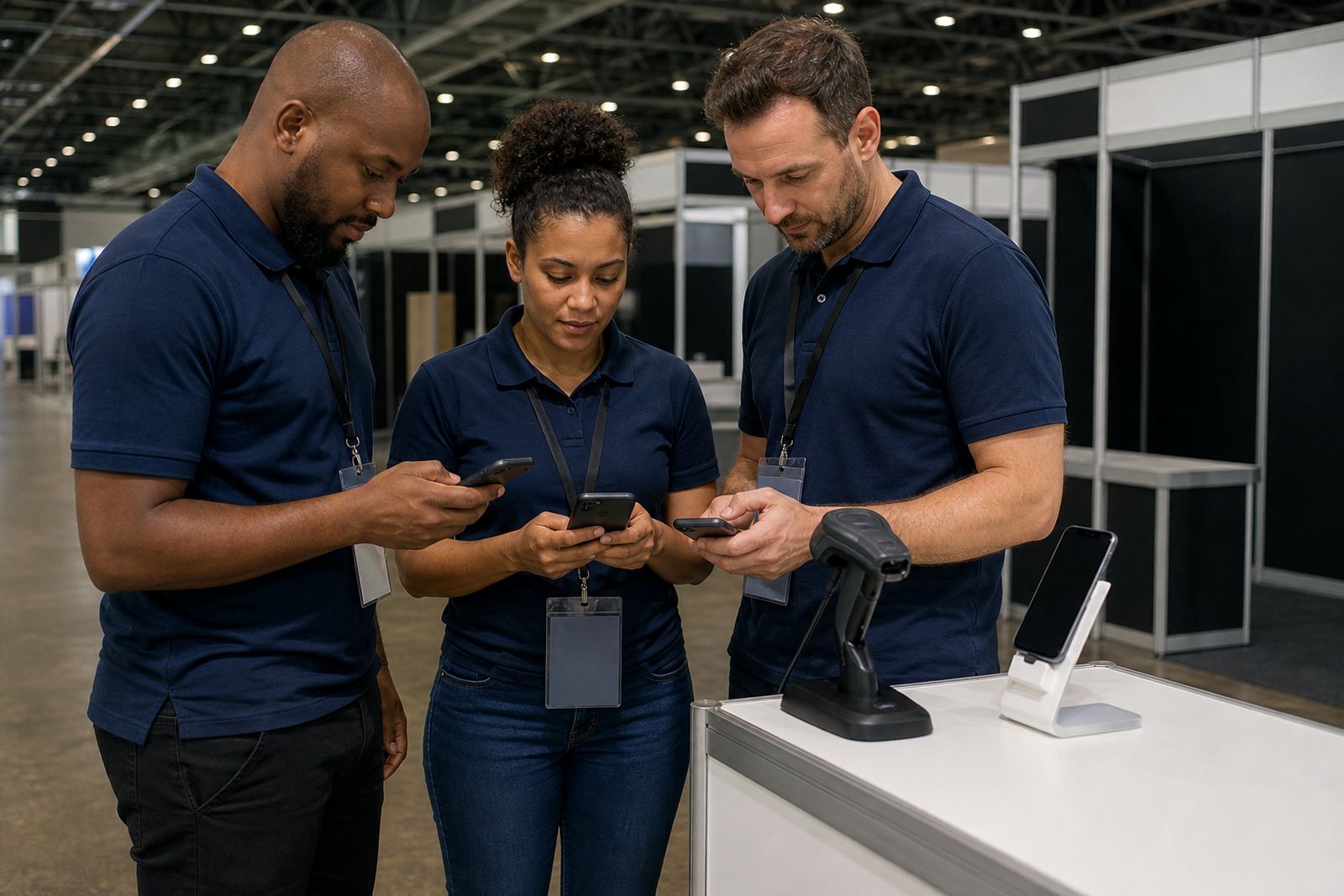
The app is built for busy stand traffic. A staff member can scan a badge, ask a few qualifying questions, tag the lead and move on without breaking the flow of the conversation. This helps when aisles are full and the stand is handling short, repeated chats all day.
- Badge scan from the visitor pass
- Lead status marked as hot, warm or cold
- Short typed notes for product interest, timing or budget
- Voice note capture when typing is too slow
- Staff ownership so the right sales person follows up
For teams selling several product lines, this keeps the details tied to the right conversation instead of relying on memory later, which often causes mix-ups by the end of the day.
Phone app versus scanner hire
Both options are used at South African expos, and both are built around quick badge capture. The main difference is where the work happens. With hired scanners, data capture is centred on the device. With the phone app, each team member carries the full process in their pocket.
- App: best for flexible teams moving around the stand.
- App: easier to match notes and lead quality to the person who had the conversation.
- App: less to hand over at the end of the event.
- Scanner hire: useful where a reception point or demo station handles most scans.
- Scanner hire: useful if you want dedicated hardware separate from staff phones.
At larger shows some exhibitors use a mixed setup, with app users on the floor and a scanner at a fixed counter. We can help you decide which setup suits your stand plan and staffing.
Working during patchy signal and power cuts
Expo halls are not always perfect for mobile data. Signal can dip when halls are full and some venues have dead spots near service passages or thick concrete walls. The app is suited to real show conditions, including times when connection is unreliable.
Your team should still arrive with charged phones and, for longer show days, a power bank is a sensible backup. Bright screens, photos and constant messaging can drain batteries faster than expected. A short team briefing before doors open usually prevents most problems and keeps scanning steady through the day.
If your stand is in a hall where signal shifts a bit from aisle to aisle it helps to test scanning positions during setup, not once visitors are already arriving.
How this section helps you choose and prepare
This phone app section covers the practical parts exhibitors ask about before an event. You can read about setting up your team, how the app behaves when signal is poor, and how to keep lead quality consistent across different staff members. That is often the difference between a useful lead list and a messy export no one trusts.
You can also compare lead tagging, voice notes and CRM handover with the rest of the site so your process is lined up before move-in day. If you need help deciding between app use and scanner hire for a show in Johannesburg, Durban or Cape Town, send an enquiry through our contact page and we will point you to the right option.
What our Lead Capture customers say
Verified Google reviews
Questions we get asked
Do stand staff need special phones to use the app?
No. The app is intended for the phones your team already uses, as long as each person has a suitable device, enough battery for the day and access set up before the expo opens.
Can different staff members tag leads differently?
Yes, but it works best when the team agrees on simple rules for what counts as hot, warm or cold before the show. A short briefing keeps lead quality more consistent.
Is the phone app only for Johannesburg shows?
No. We support exhibitors using the app at expos in Johannesburg, Durban and Cape Town.
Book scanners for your stand
Send a note through our contact form with the expo, your stand size and how many staff will scan, and our team will reply with options.
Open the contact form