Setting up your team
Get your stand team ready before the first visitors arrive. We help exhibitors add users, assign access and test the phone app so badge scans and lead notes are captured properly from the start.
What this setup service includes
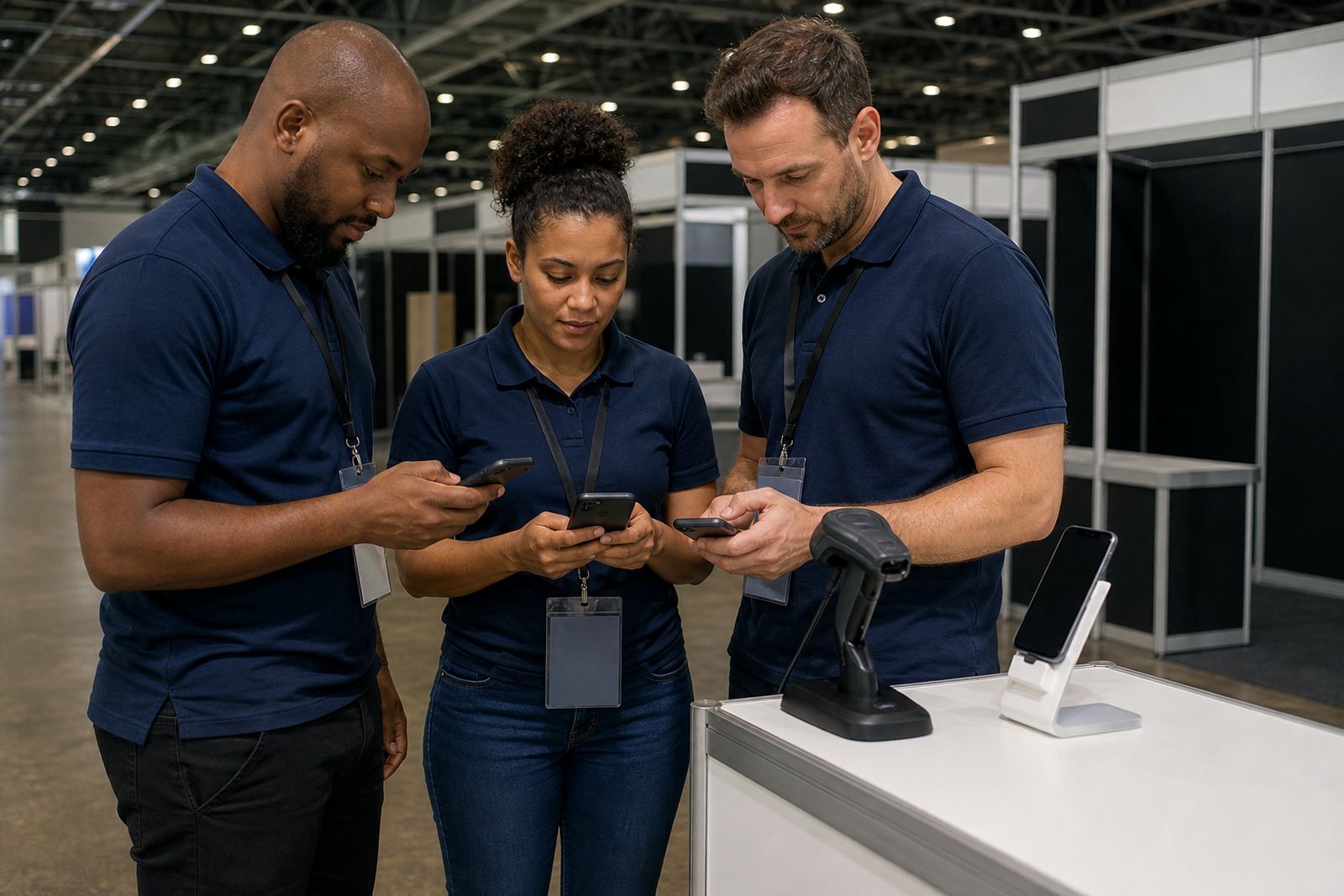
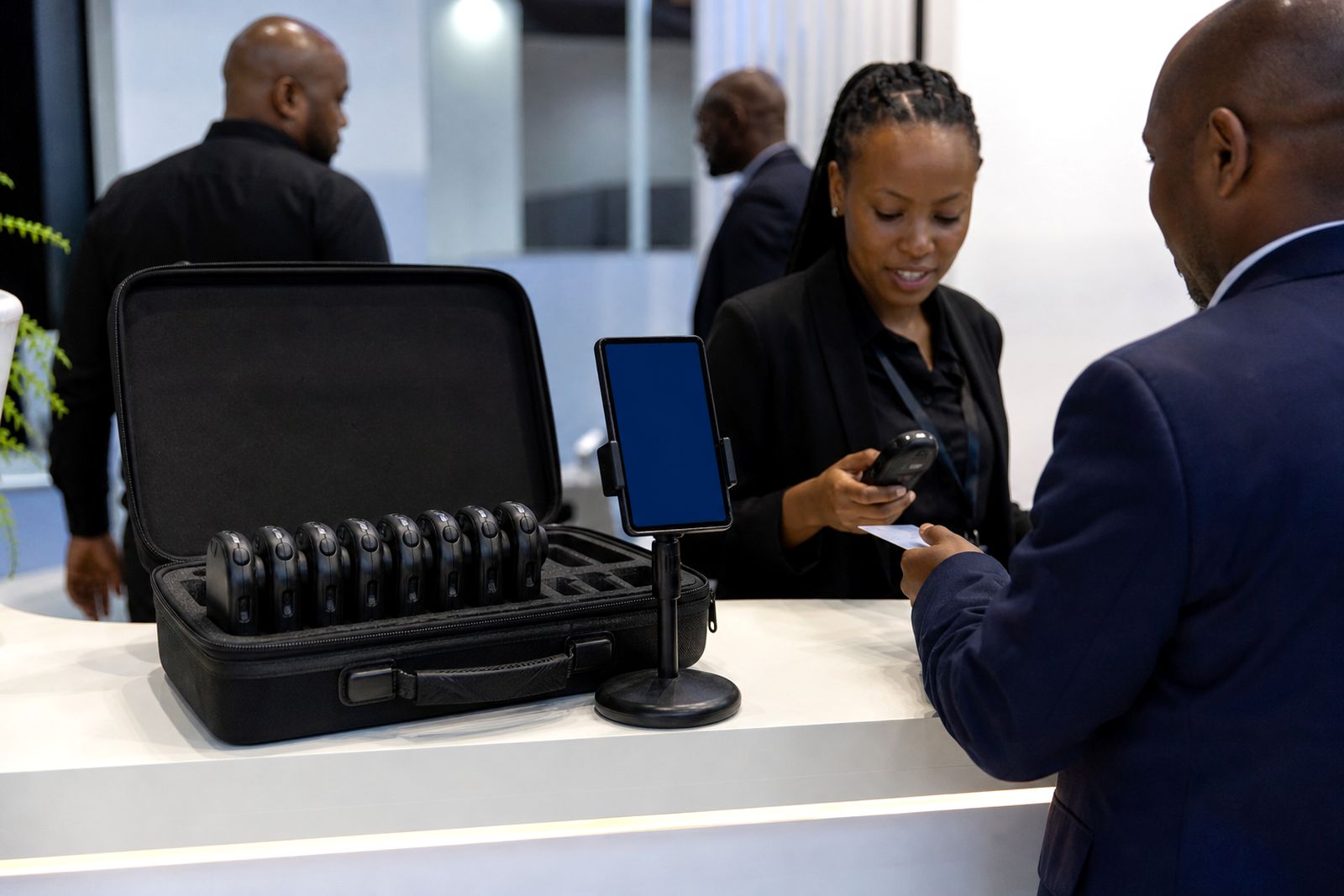
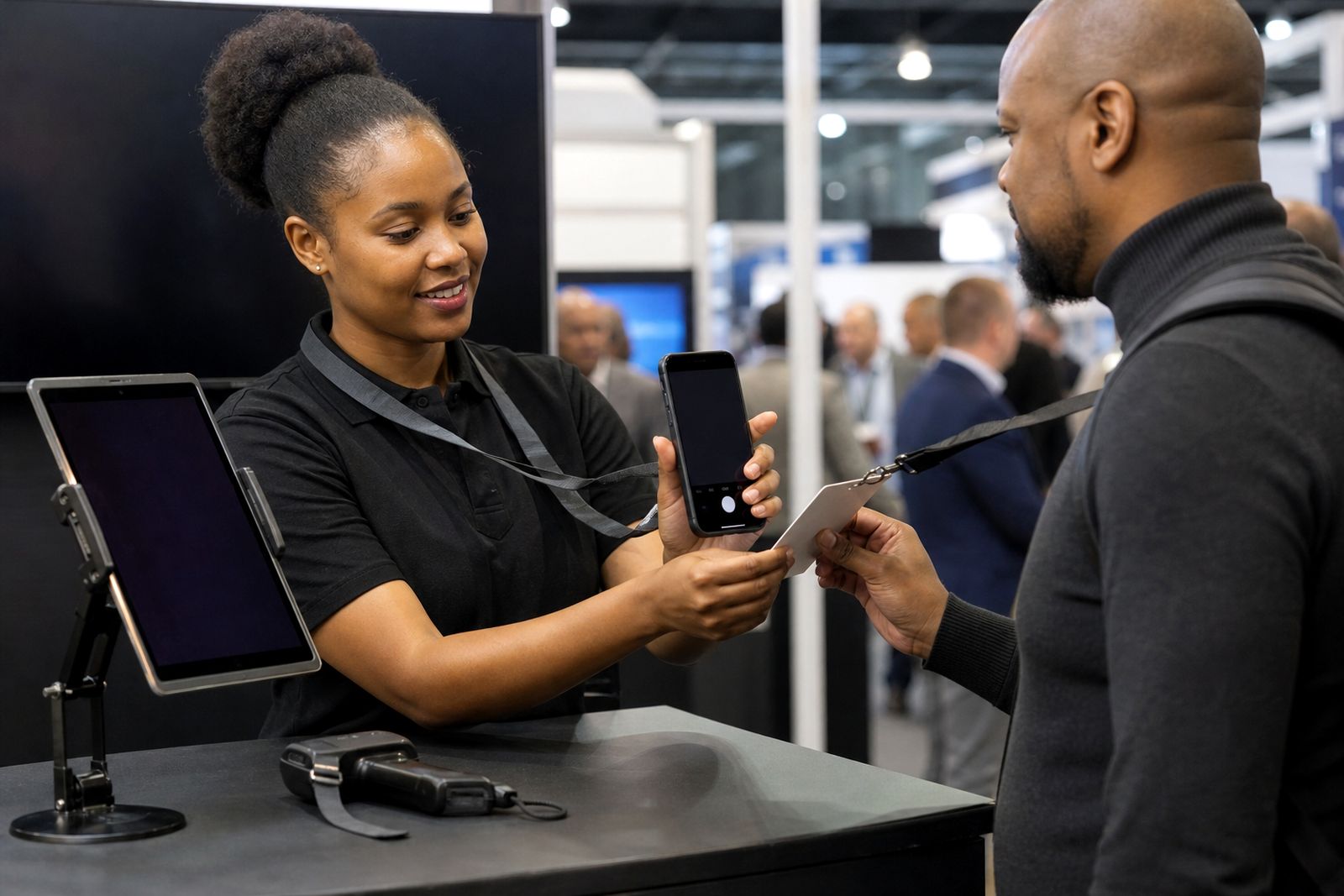
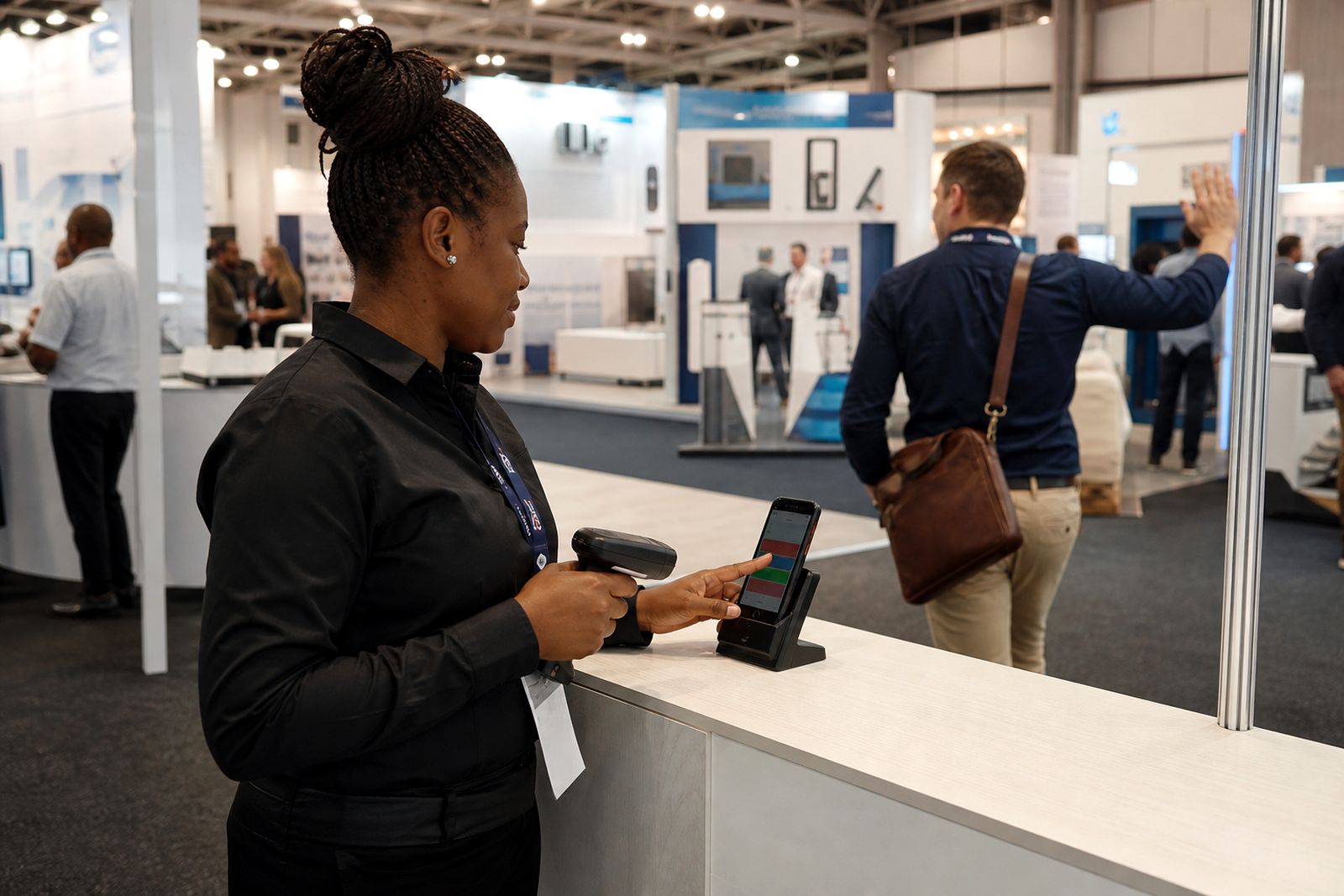
Setting up your team is the practical work done before the show floor opens. We prepare the phone app for the people who will actually use it at the stand, so they can scan visitor badges, tag leads as hot, warm or cold, add a voice note and keep moving. This is useful for small stands with two or three users and for bigger teams split across demos, meetings and walk-up traffic.
Our setup support covers user access, device checks and a short run-through of how your team should capture leads consistently. If your staff are working across Joburg, Durban or Cape Town expo halls where signal can vary from one aisle to the next, we also check offline use before doors open. That saves time later when the stand gets busy and people stop asking basic login questions.
- User creation for stand staff who need app access
- Role and permission setup where different staff need different levels of access
- Badge scanning test on each approved phone
- Lead tagging check for hot, warm and cold categories
- Voice note test and lead sync check
- Basic handover for the person managing the stand team
How the setup works step by step
We keep the process simple because setup usually happens close to move-in, when exhibitors are already busy with stock, banners and staffing. First, we confirm how many people need access and who will manage the team on site. Then we load or activate the user list, depending on the package you are using.
Next, each phone is checked for app access, camera permission, microphone permission and enough battery capacity for a full show day. After that we test scanning, add a sample lead, apply a tag and record a short voice note. If CRM sync is part of your package, we also verify that the lead fields are landing in the right place. One missed field can become a headache after the event so we check it carefully.
- Confirm total users and team lead
- Add or activate users on the account
- Check sign-in on each device
- Allow camera and microphone permissions
- Run a sample scan and save a test lead
- Check tagging, notes and sync status
- Do a quick handover with the stand lead
If your team arrives in shifts, setup can be done in stages. We often complete the first group before the morning briefing and the rest later in the day.
What you need to prepare before the show
The fastest setups happen when the exhibitor sends a clean staff list in advance. We do not need long biographies or internal job titles. We just need enough detail to assign access correctly and make sure the right people can capture leads on the right day.
Please nominate one person from your side to approve the final user list and answer last-minute questions. Without that contact person, setup gets slower especially during hall access windows when everyone is trying to sort out stand issues at once.
- Names or user identifiers for each staff member who needs access
- The team lead or stand manager for approvals
- Which users need full access and which need basic scanning access
- Phones that meet the app requirements and are fully charged
- Your agreed lead fields and tagging rules
- Any CRM field requirements if sync is included
It also helps if your staff know the qualifying questions they must ask at the stand. The app works best when the team captures useful notes, not just scans badges and walks away. A short briefing before doors open makes a big difference.
Phones, permissions and working conditions
The phone app is designed for real expo conditions, including patchy reception, noisy halls and long days on your feet. Still, a few checks matter. Devices should have a working camera for badge scanning, a microphone for voice notes and enough free storage for the app to operate properly. We also recommend current operating system updates where possible, though we know some field teams arrive with a mix of company and personal phones.
Brightness should be turned up for scanning under harsh hall lighting and battery saving modes should be checked because some settings can interfere with background activity. In venues where signal is weak, the app can continue capturing leads and sync later once reception improves. That is useful in concrete halls and busy coastal venues where coverage can dip as the floor fills up.
For longer events, bring charging cables and power banks to the stand. Power points are not always where you need them, and power cuts can affect charging during build-up or breakdown.
How pricing is worked out
Pricing for team setup depends on the scope of the job rather than a flat guess. We look at how many users need to be added, whether setup is done remotely or on site, how many devices need checking and whether CRM sync forms part of the handover. A small two-person stand is quicker to prepare than a larger team with multiple shifts and different access levels.
We also consider timing. Advance setup before travel day is usually simpler than urgent changes made once the expo has already opened. If your team expects late additions, tell us early so the process can be planned properly. For scanner rental and app combinations, the setup can also be coordinated alongside collection and return arrangements.
We do not publish made-up prices on this page. Send your event details through the enquiry form on our contact page and we will quote based on user numbers, support requirements and the show location.
Support during the show and aftercare
Once the team is live, support does not stop. If someone cannot sign in, changes phones, loses access or needs a role adjusted, we can assist according to the support agreed for your event. The aim is to keep lead capture going with as little disruption as possible while the stand is active.
After the show, we help confirm that leads, tags and voice notes have synced as expected. If your team worked offline for part of the day, we can guide the stand lead through the final sync checks before everyone heads home. That last check is worth doing because expo breakdown can get rushed and people often assume data has already gone through when it is still waiting on signal.
- Help with sign-in issues during the event
- User access changes if staff swaps are needed
- Final sync check for leads and notes
- Basic guidance for the stand lead after the show
- Follow-up support linked to your agreed package
A tidy setup at the start usually means fewer problems later, and cleaner lead data for your sales team on the next working day.
What our Lead Capture customers say
Verified Google reviews
Questions we get asked
Can you add users after the expo has started?
Yes, extra users can usually be added during the event, subject to the agreed support scope and the account structure already in place.
Do all staff need the same level of access?
No. Some teams give basic scanning access to most staff and broader permissions to the stand lead or sales manager.
What if the hall signal is poor?
The app can continue capturing leads and notes offline, then sync when the device gets a stable connection again.
Also worth a look
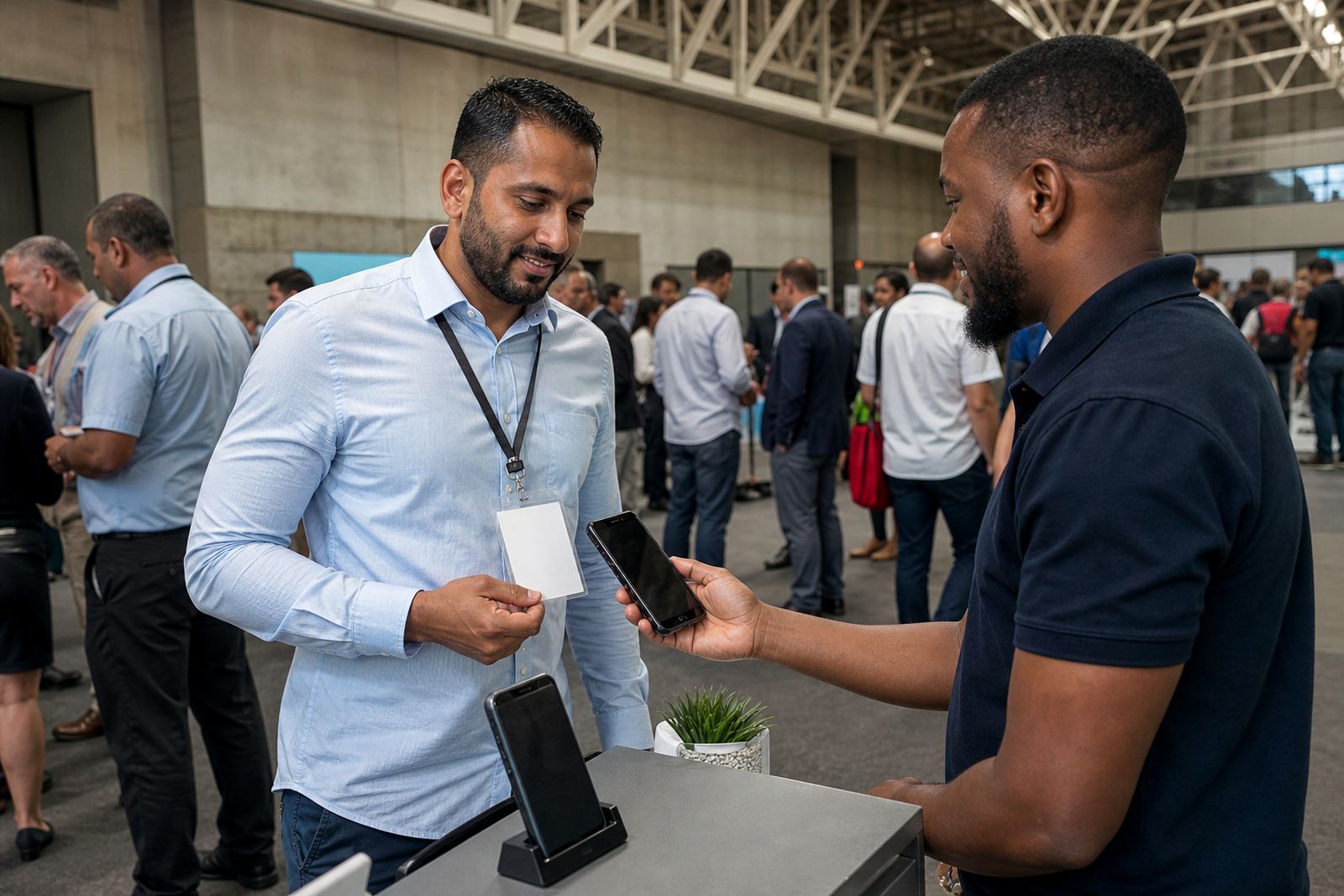
Book scanners for your stand
Send a note through our contact form with the expo, your stand size and how many staff will scan, and our team will reply with options.
Open the contact form