
Working offline
Exhibition halls do not always have steady signal, especially once the doors open and the floor fills up. Our phone app keeps scanning and storing lead details on the device, then syncs later when data service comes back.
What working offline means on the stand
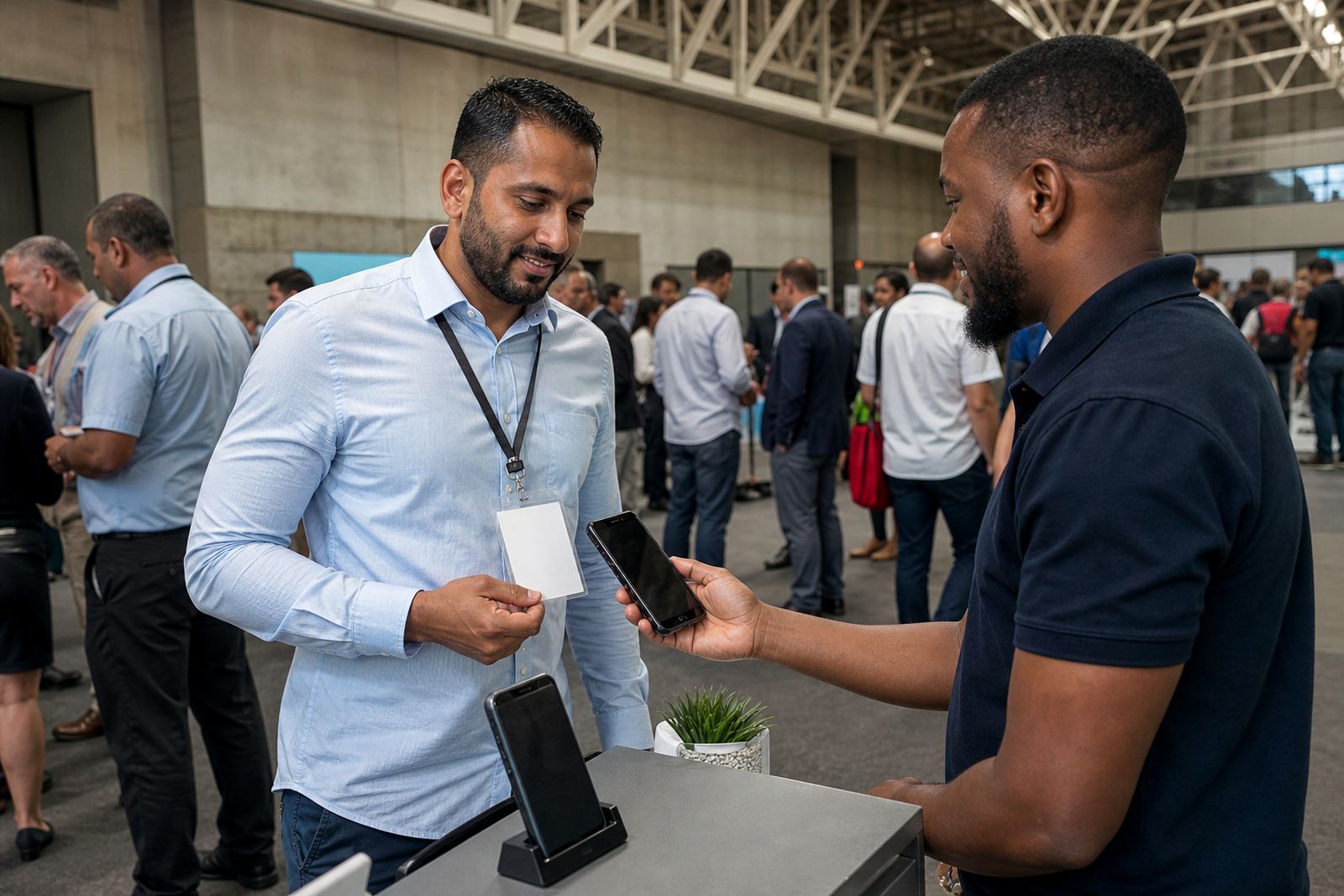
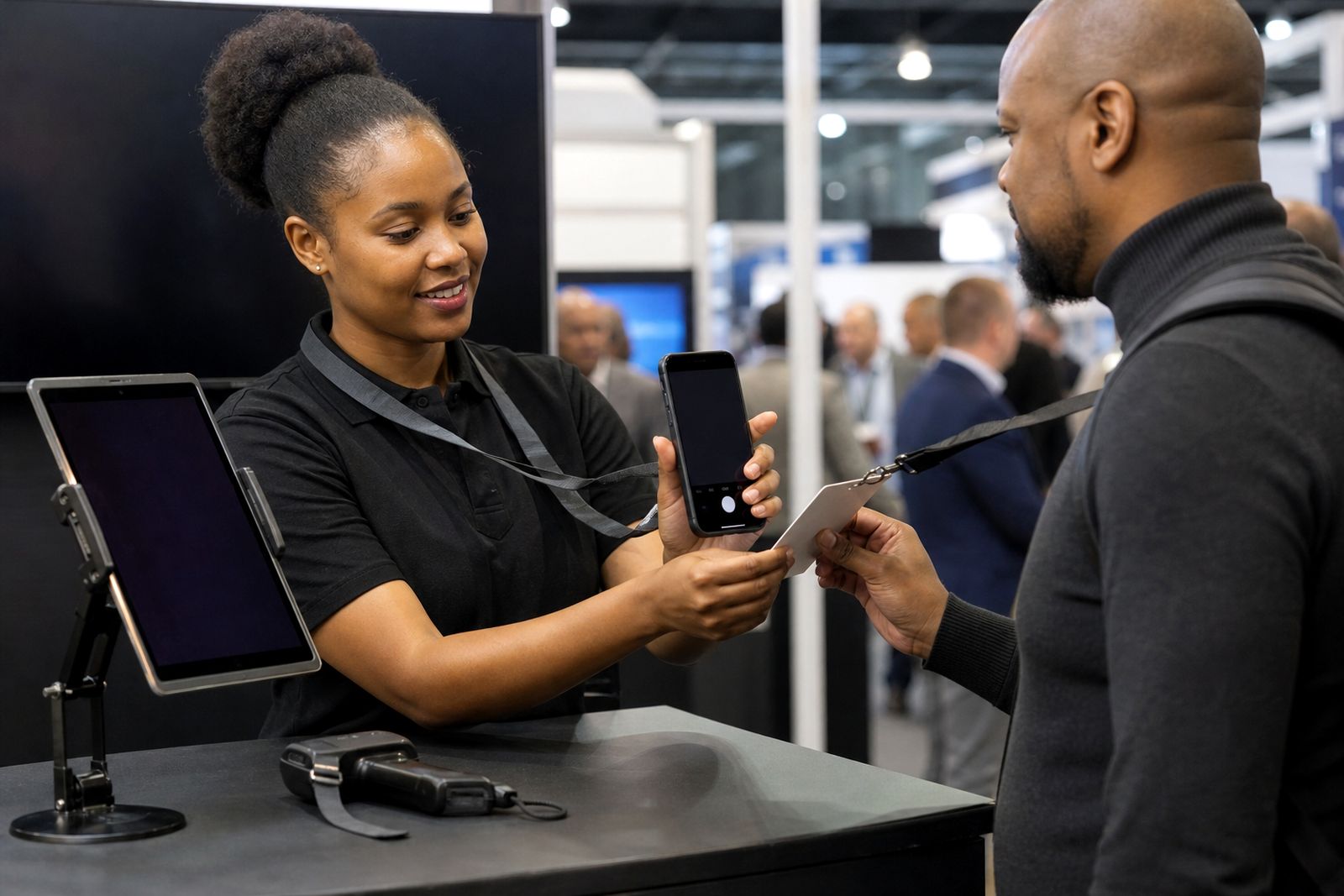
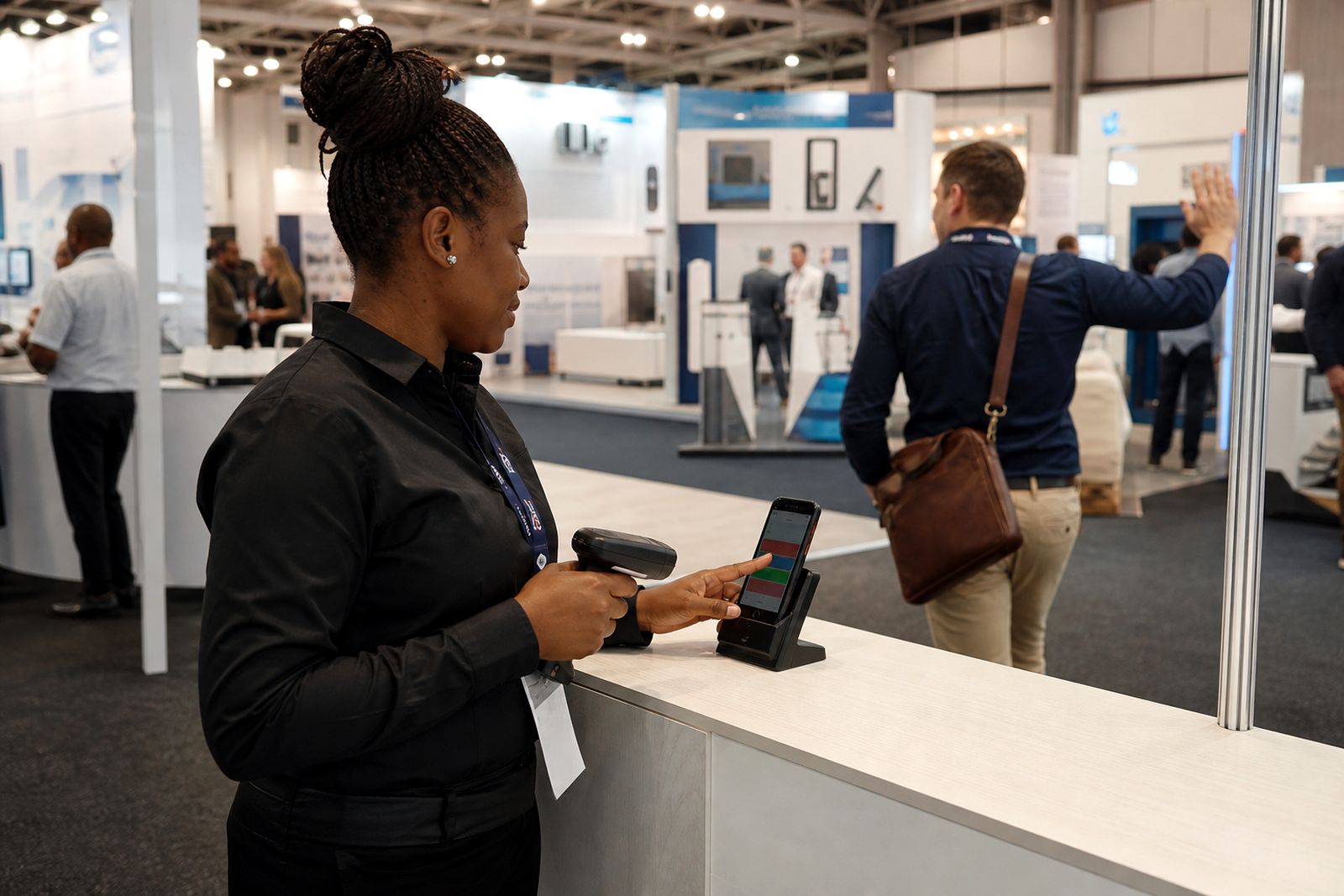
Working offline is for exhibitors who need to keep scanning visitor badges when mobile signal is weak, Wi-Fi is patchy, or the hall gets congested. Instead of stopping the team and asking them to wait for a connection, the app saves each scan on the phone first. Staff can still tag the lead as hot, warm or cold, add notes, and carry on with the conversation.
Once the device has data service again, the saved records are pushed through to the main lead list and then on to your CRM setup if that link has already been prepared. This suits busy stands in Johannesburg, Durban and Cape Town where signal can change during setup, visitor peaks and breakdown. It is practical, simple and it helps the team avoid writing details on paper when the floor is busy.
What the app can do without signal
Offline mode is meant for the core lead capture work at the stand. The app stores the badge scan result and the basic actions taken by your team member on that lead. The record sits safely on the device until sync is possible.
- Scan visitor badges with the phone camera
- Save lead records locally on the device
- Tag each lead as hot, warm or cold
- Add typed notes during or after the conversation
- Record a short voice note and attach it to the lead
- Time-stamp the capture so your team can track follow-up order later
There are some working limits to understand. The app cannot push leads to your CRM while the device is offline, and live team activity from one device will not appear on another device until both have connected again. If your stand manager wants a live running total during the show, that needs at least occasional signal. For most exhibitors this is not a problem, but it is worth planning for upfront.
Device options and working limits
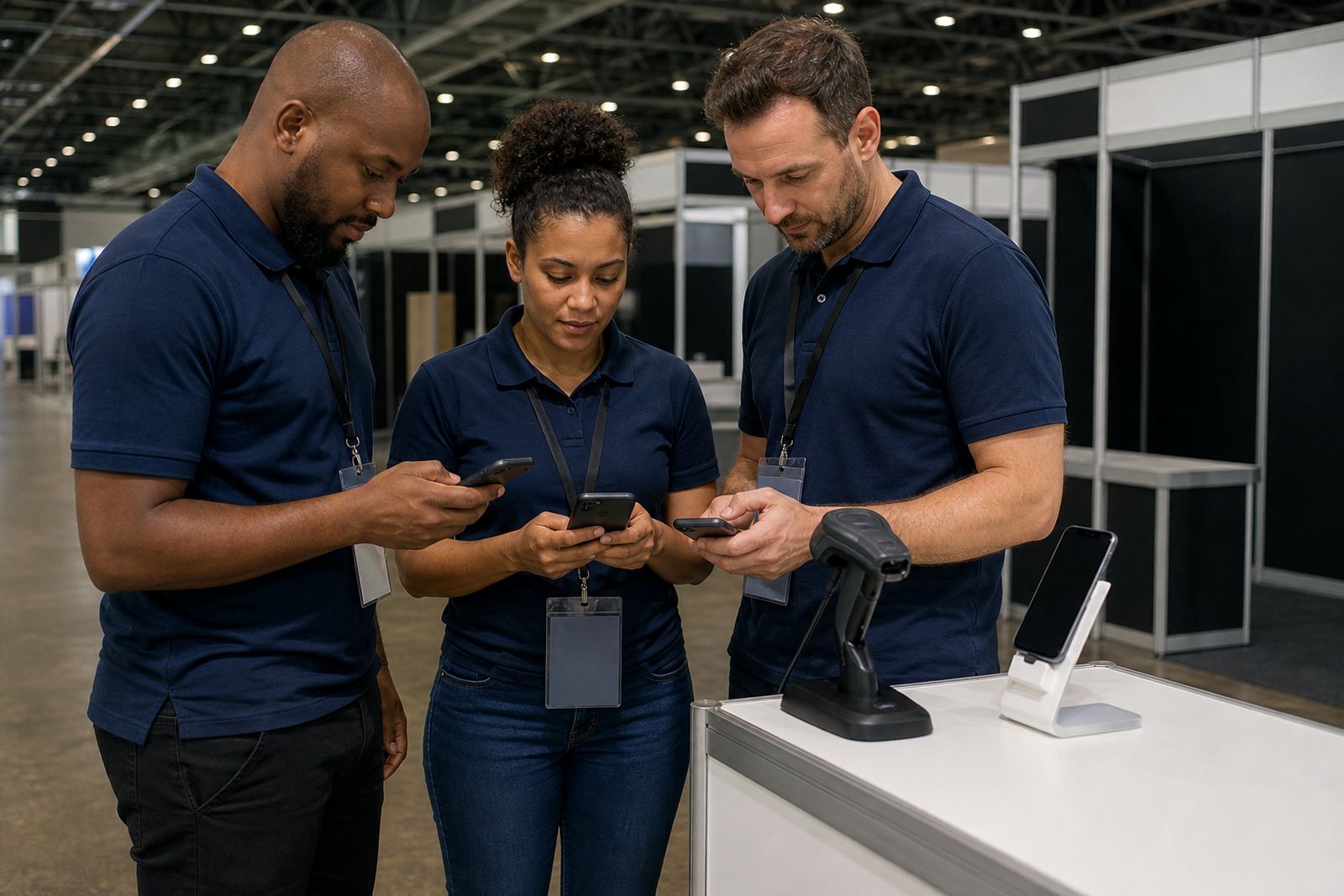
The offline function is available on current Android and iPhone handsets used by stand staff. Most exhibitors either let their team use their own phones, or they issue a few company devices for the event. The better the camera and battery condition, the smoother scanning will be over a full show day.
- Single-device use suits a small stand with one or two operators
- Multi-device setup suits larger stands where several staff members are scanning at once
- Shared login structures can be arranged for simple teams, while named users suit stands that need cleaner reporting later
- Voice notes work best when the phone microphone is clear and the hall noise is managed as far as possible
Offline capture does have practical limits. Phones need enough free storage for the app, saved scans and voice clips. Older devices with cracked camera lenses, tired batteries or aggressive battery-saving settings can miss scans or close apps in the background. In halls with poor lighting the operator may need to angle the badge properly and hold the phone steady for a second or two. It usually works well, but a rushed scan on a dim stand can cause delays.
Where it suits and where it does not
This setup suits exhibitors who expect heavy foot traffic and do not want to rely on venue Wi-Fi. It also suits corner stands, temporary booth positions and halls where signal is known to dip once crowds build up. Teams that qualify visitors quickly and want a simple hot, warm, cold process usually get the most value from it.
It is less suitable where the stand workflow depends on live syncing every minute, or where staff must move between many devices and expect instant updates across the whole team. It is also not the right choice if a phone policy on site prevents camera use, or if the event badge format has unusual print quality that needs prior checking. If your stand uses a strict corporate device policy we need to know that early, because some internal security settings can affect camera permissions and background syncing.
Site needs before doors open
There is no major installation on the stand, but a little preparation makes a big difference. Before the show, each phone should have the app installed, permissions granted, and user access confirmed. We also recommend testing a few sample scans during build-up so the team can see badge positioning and note capture in practice.
- Charged phones and charging cables for each operator
- A power bank for staff who will scan all day
- Camera access enabled in phone settings
- Microphone access enabled if voice notes will be used
- Enough free storage on each device
- Data service available at some point during the day for sync, even if signal is weak for periods
If the hall is known for power cuts during setup or breakdown, keep devices charged and avoid relying on a single charging point at the stand. Good housekeeping matters too. A phone with a greasy lens or a flat battery can slow the queue very quickly and that's avoidable.
Care, data handling and what to tell us when you enquire
During the event, treat scanning phones like working tools. Keep screens clean, fit a basic protective cover, and do not leave devices unattended on a counter. At the end of each day, connect to data service and allow the app time to sync before staff leave the venue. If a lead is important, the operator should check that the record is saved before moving to the next visitor.
When you send an enquiry through our contact page, tell us a few practical details so we can point you to the right setup.
- Which city the expo is in: Johannesburg, Durban or Cape Town
- How many stand staff will scan leads
- Whether staff will use their own phones or company devices
- Whether you need hot, warm and cold tagging only, or tagging plus voice notes
- Whether your CRM link is already mapped or still needs setup
- Whether the stand expects poor signal in the hall
If you are unsure how many devices to prepare, tell us your stand size and team structure and we will guide you. A short planning call before the show often saves time on the floor later, and helps avoid missed leads when the hall gets busy.
What our Lead Capture customers say
Verified Google reviews
Questions we get asked
Will the app still scan if there is no signal at all in the hall?
Yes. The app can save scans and lead notes on the device while offline. Sync happens later when the phone has data service again.
Can our whole team see each other's leads immediately while offline?
No. Devices do not update each other live while they are offline. Shared visibility returns once the devices connect and sync.
Do we need venue Wi-Fi to use the app?
No. Venue Wi-Fi is not required for offline capture. You only need some form of internet access later so the saved leads can sync.
Also worth a look
Book scanners for your stand
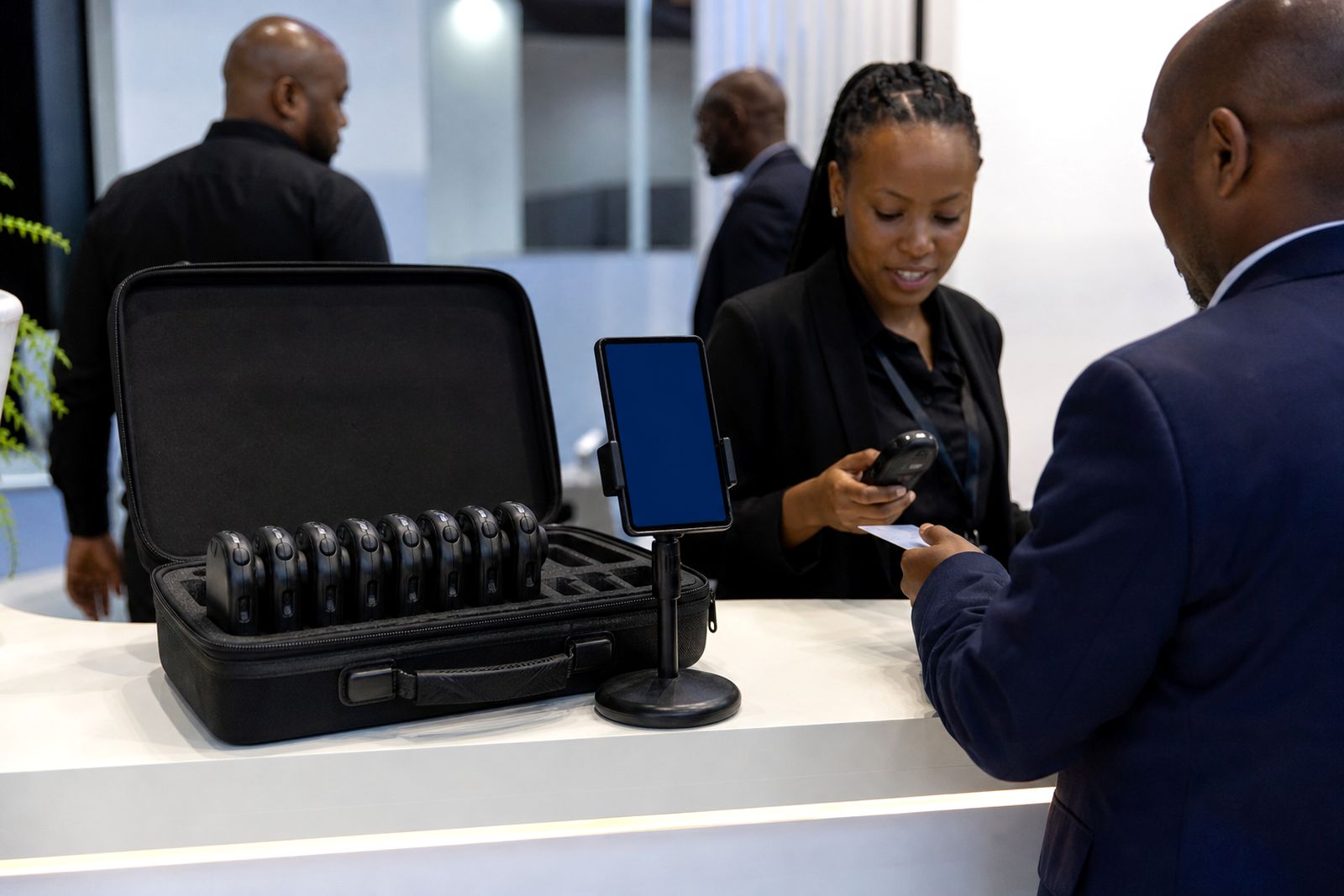
Send a note through our contact form with the expo, your stand size and how many staff will scan, and our team will reply with options.
Open the contact form