Badge scanning and lead capture for exhibitors
Scan each visitor badge at your stand, tag the lead and send the details to your CRM without retyping notes later. We supply handheld scanner hire and a phone app for exhibitors working expos in Johannesburg, Durban and Cape Town.

Lead capture built for busy exhibition stands
When the aisle is full and your team is talking to three visitors at once, paper forms and business cards slow everything down. Our service gives exhibitors a simple way to capture badge details at the stand, qualify the conversation there and then, and move the lead into follow-up without a manual spreadsheet job afterwards.
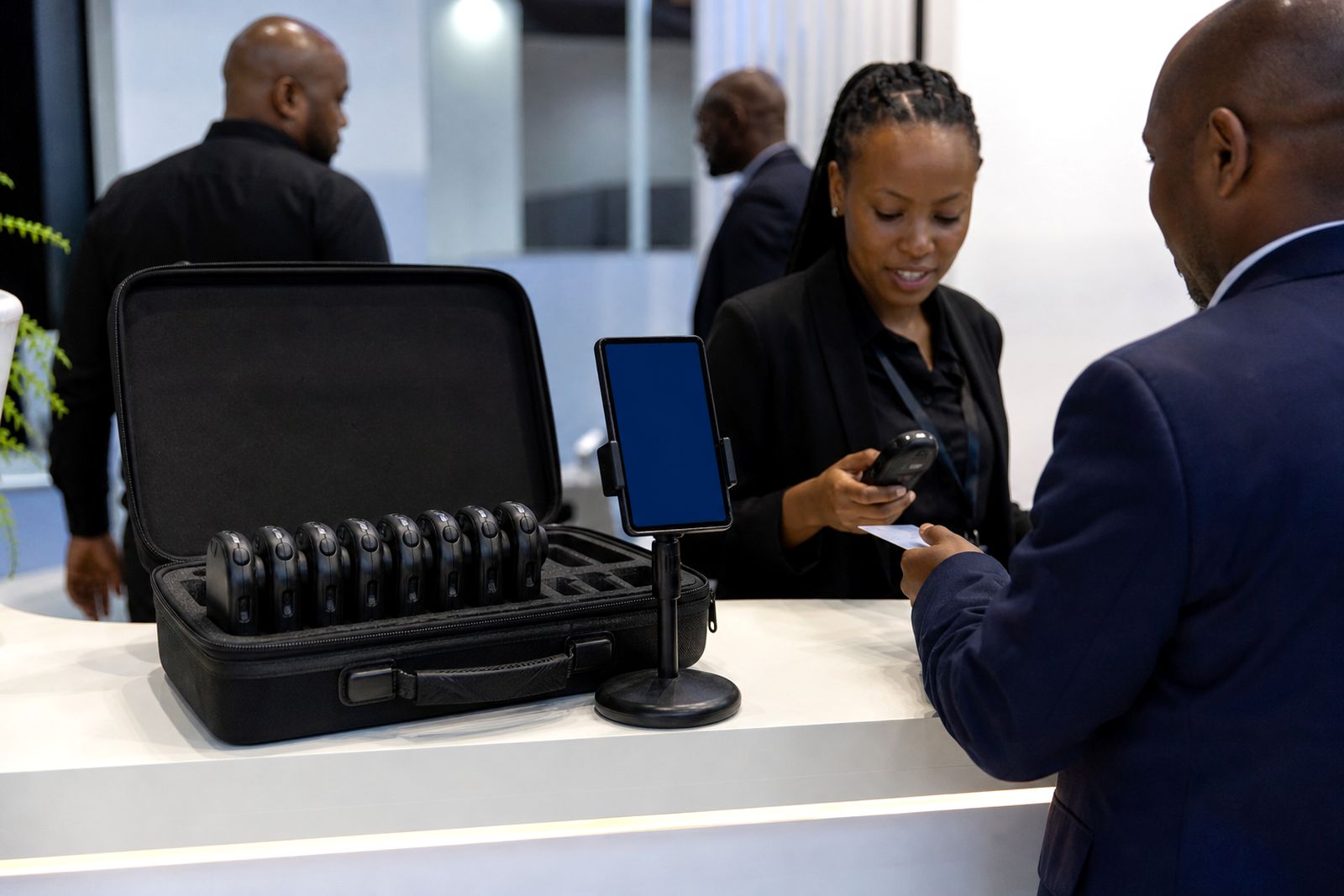
You can rent handheld badge scanners, use our phone app, or run a mix of both on the same stand. After scanning the visitor badge, your staff can tag the lead as hot, warm or cold, add a short voice note and submit the record for export or CRM push. That means sales teams back at the office get cleaner lead detail, with context from the actual stand conversation not just a name and company.
- Handheld badge scanner rental for exhibitor teams
- Phone app scanning at the stand
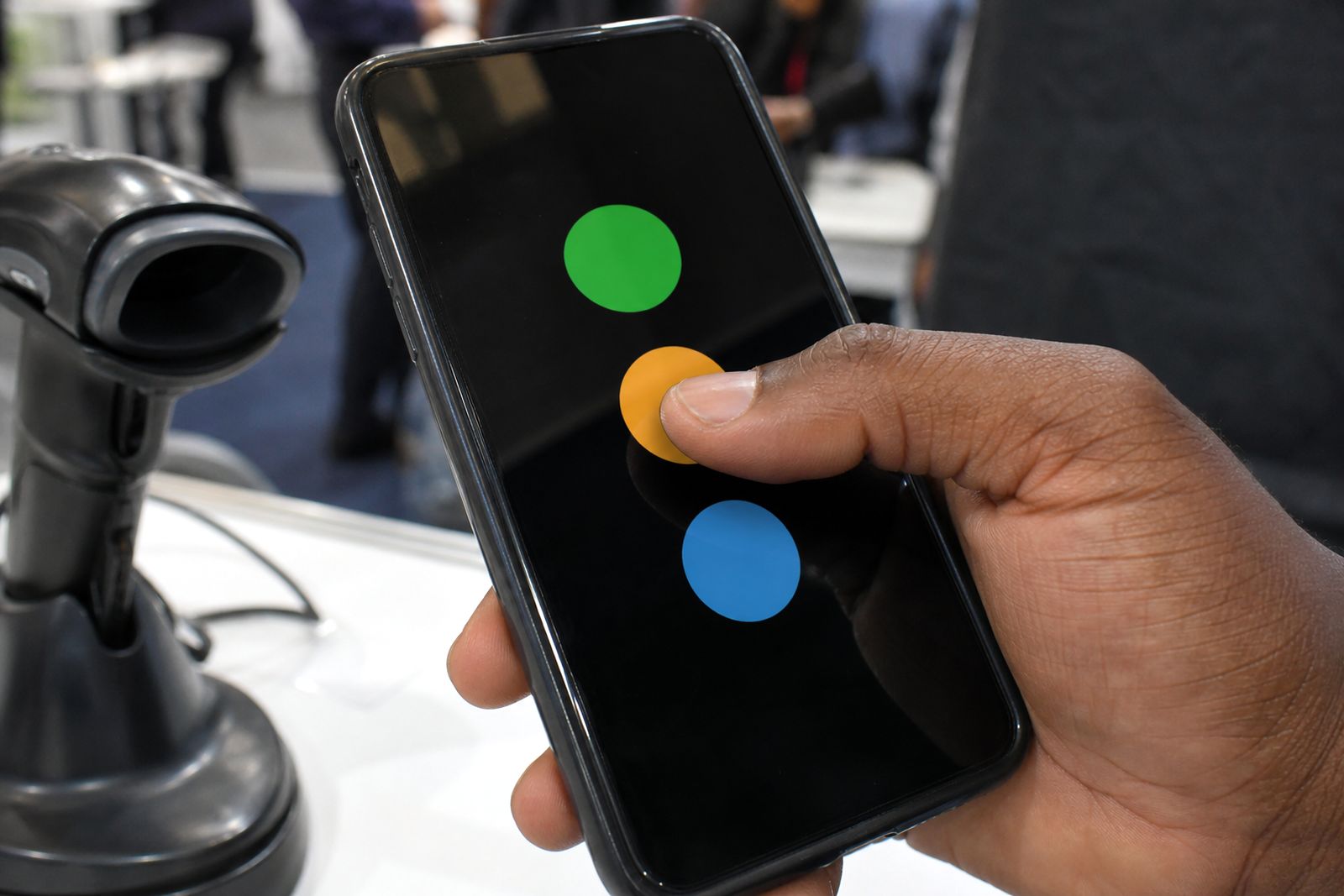
- Hot, warm and cold lead tagging
- Voice notes attached to each lead
- Lead handover into your CRM
Where to start
Scanner hire
Rent handheld badge scanners for expo days when you need quick badge capture and simple lead handling.
Read more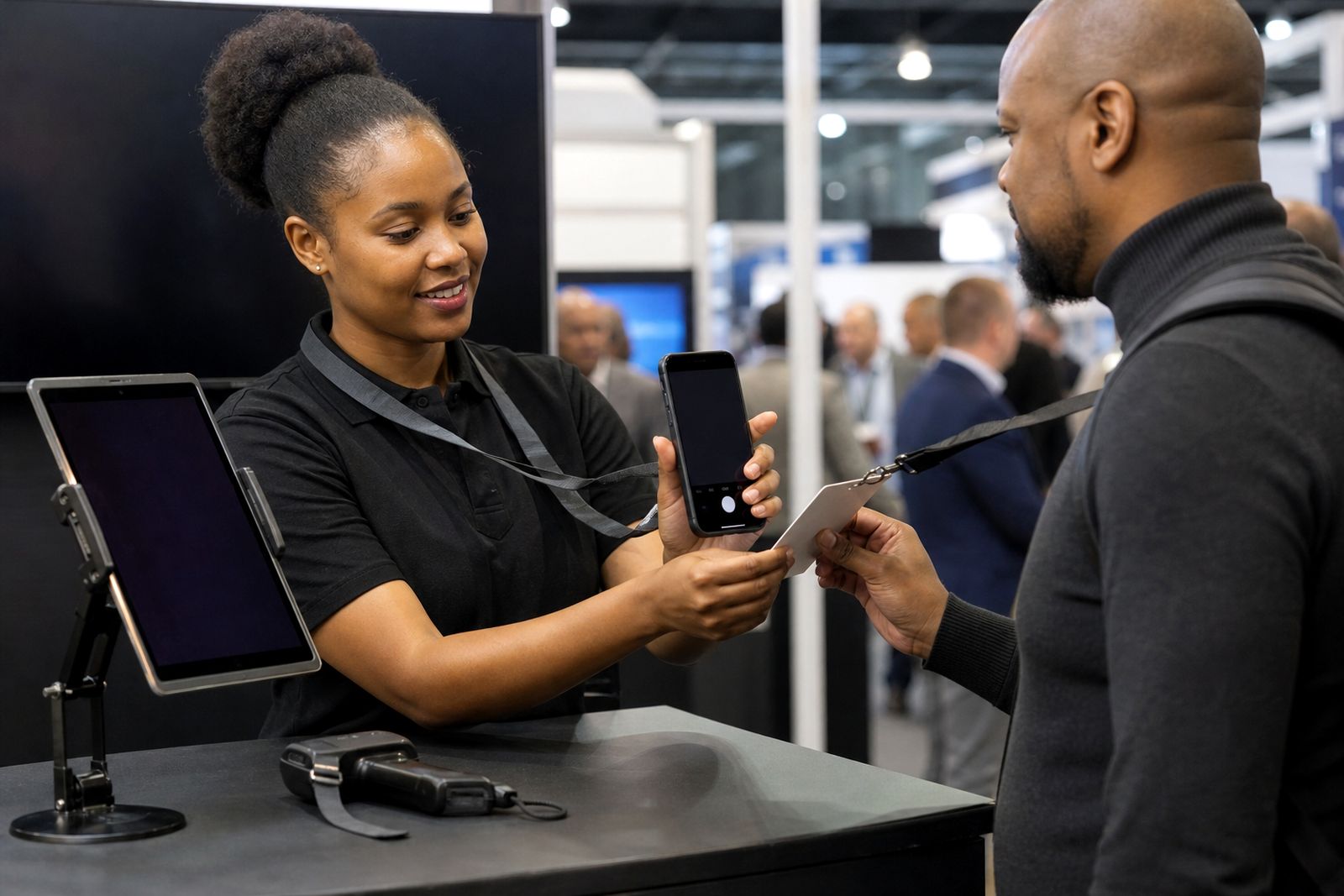
Phone app
Use your own phones for badge scanning, lead tagging, voice notes and CRM handover at the stand.
Read more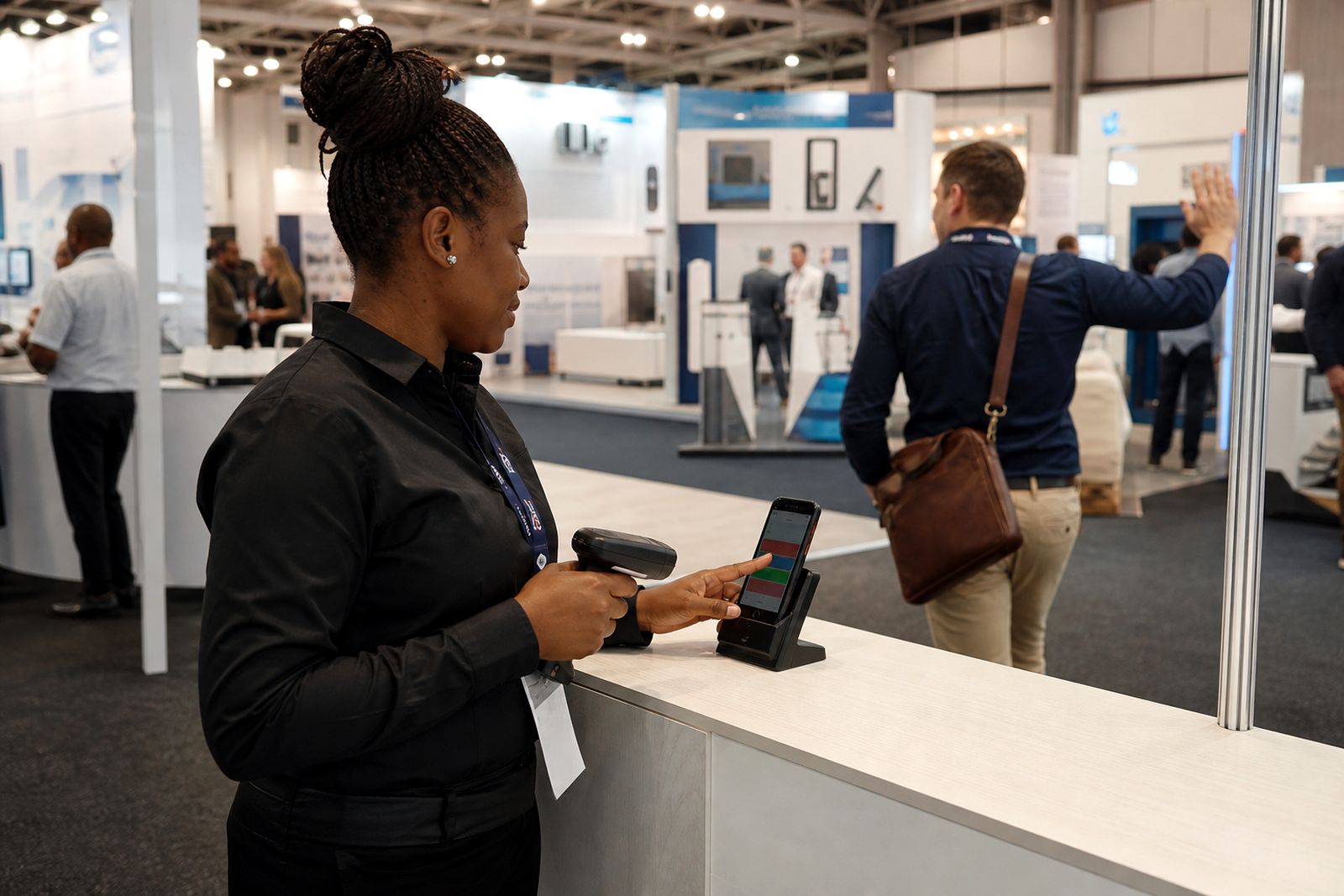
Lead tagging
Set a simple hot, warm or cold system so your team can qualify leads consistently at the stand.
Read more
CRM sync
Move expo leads, tags and voice notes into your CRM before the stand is packed away.
Read more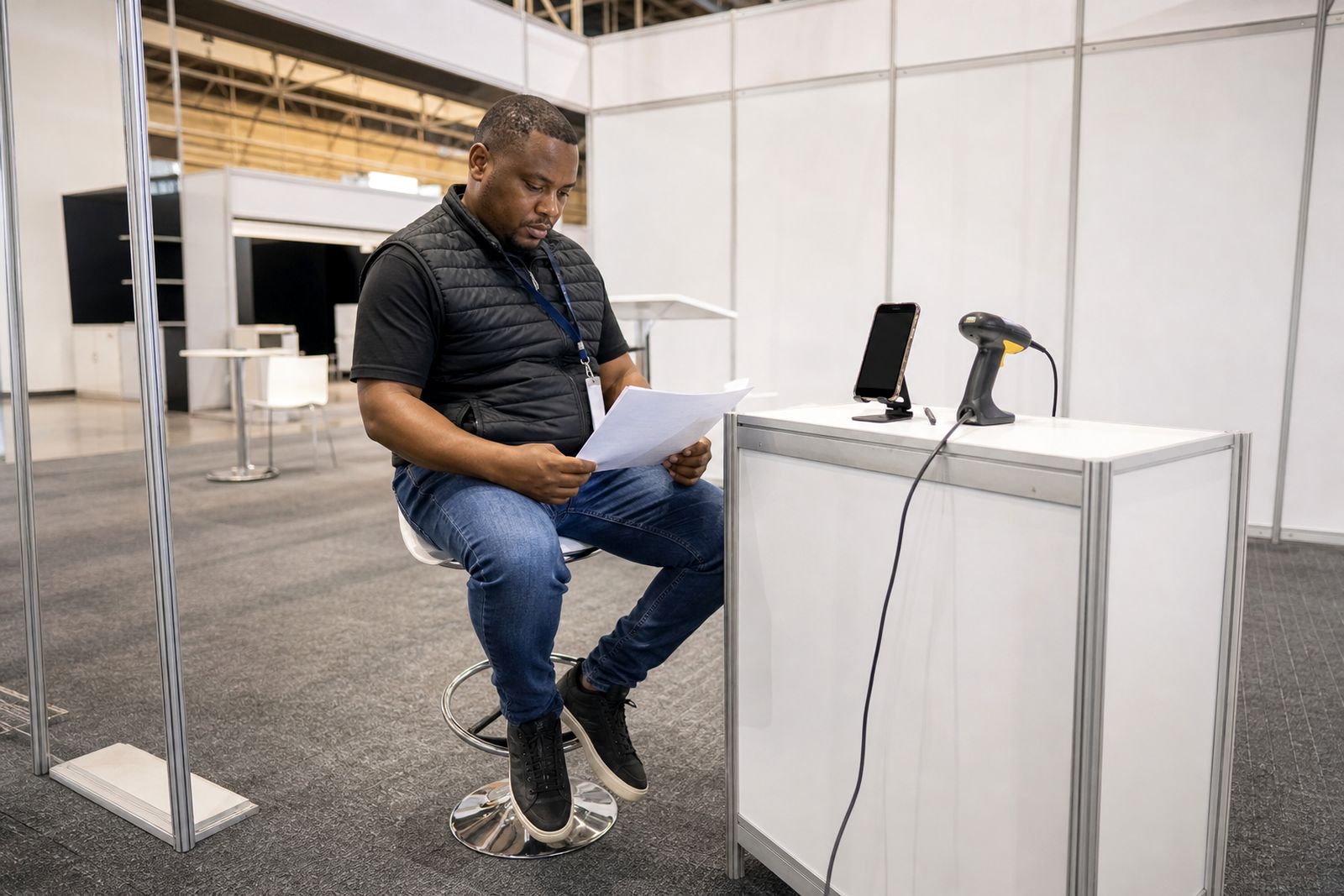
Guides
Straightforward exhibitor guides for better lead capture, faster follow-up and fewer mistakes on the stand.
Read more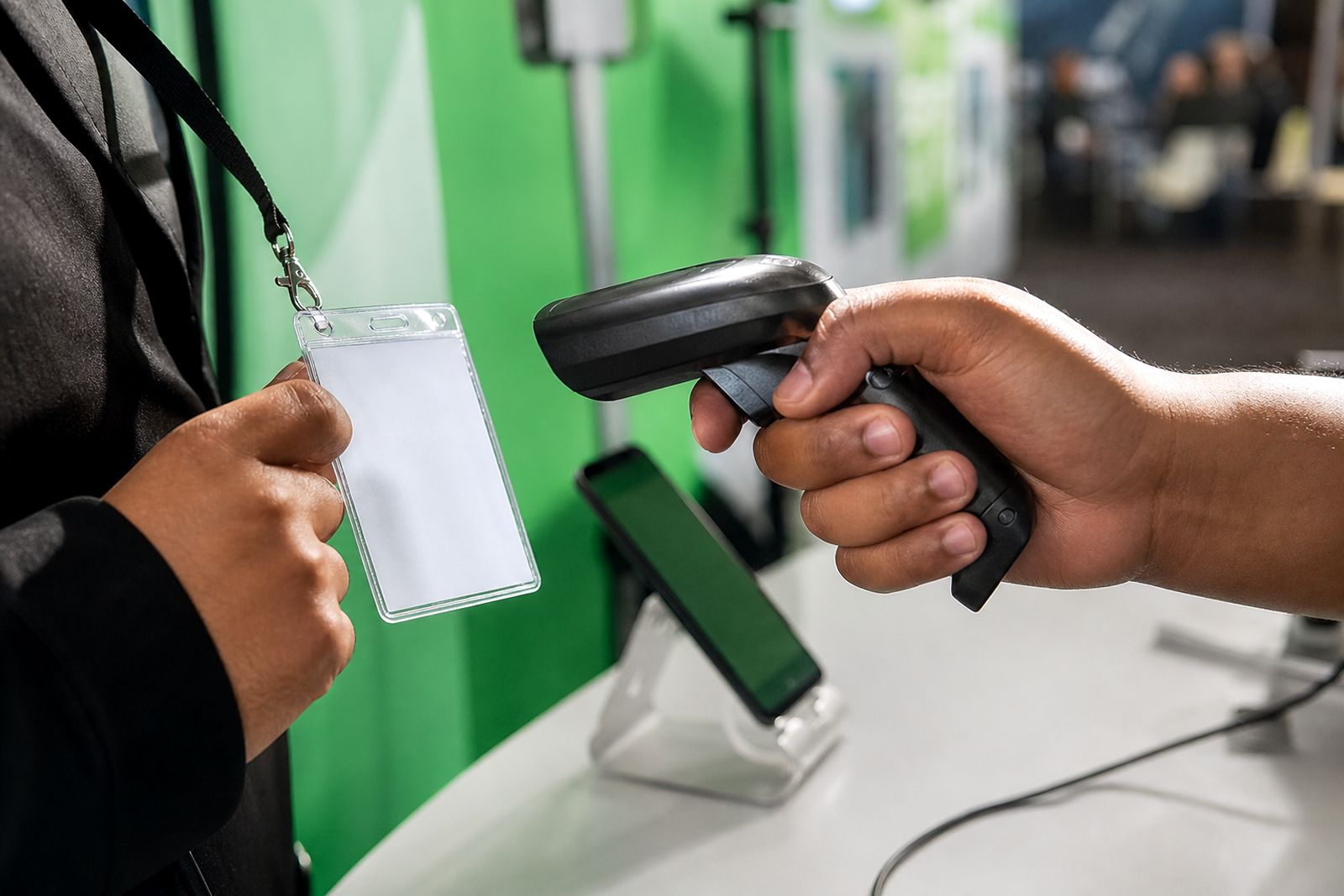
What we supply and who it suits
Some stands want dedicated hardware in the hands of trained operators. Others prefer to use phones because the team is moving between product demos, meetings and walkabouts. We support both setups. If you have a larger team, a mixed arrangement often works well: scanners for the front line and the app for managers or technical staff who step into deeper conversations.
Our service suits exhibitors who need clear lead ownership and fast follow-up after the expo. It is useful for local sales teams, regional distributors, service providers, industrial suppliers and any stand where several staff members need to capture leads in a consistent way. If your stand attracts both serious buyers and general foot traffic, the hot, warm and cold tagging gives structure to the list before your team even leaves the venue.
- Single-stand exhibitors needing a simple rental setup
- Larger teams that want multiple users on one account
- Exhibitors with separate sales and technical conversations
- Teams that need notes captured while the discussion is still fresh
- Businesses that want leads pushed into their own CRM workflow
How a typical expo job runs with us
Most jobs start with an enquiry through our contact page. We confirm whether you want handheld scanners, the phone app or both, and how many stand staff need access. We also check practical points such as collection, return, team setup and when you want your lead data pushed through after the event.
Before the expo opens, we help make sure the users are ready to scan and tag correctly. That includes the lead categories you want the team to use and how voice notes should be recorded. At the stand, staff scan each visitor badge, choose the lead temperature and add any notes that matter for follow-up, such as product interest, timing, branch location or whether a site visit is needed.
After the show day, or at the end of the expo depending on the plan, the lead data is prepared for export or sync to your CRM. That means your sales process can start quickly instead of waiting for someone to decode handwriting later. It saves admin time and it cuts down on missed context from rushed end-of-day note taking.
Working reliably on the stand, even with patchy signal
Expo halls are not always friendly to mobile data. Crowded venues, reinforced structures and busy networks can all affect reception. That is why exhibitors often ask about continuity first. Our setup is intended for real event conditions where signal can change through the day and where staff cannot stop a conversation to fight with a connection.
If you are using the phone app, we guide you on offline use and what to check before the doors open. It helps to charge devices fully, keep a power bank on hand and make sure each operator knows how to confirm a successful scan. In halls where reception fluctuates, simple habits make a big difference and avoid a rush of confusion later.
- Check all users are logged in before the stand gets busy
- Confirm the lead tags your team should use
- Keep phones charged during long show hours
- Record voice notes clearly and briefly
- Review captured leads before leaving the venue each day
This matters in Johannesburg, Durban and Cape Town alike. Coastal humidity can affect how people handle devices over a full day, and venue conditions vary from hall to hall. A quick practical briefing before start time usually prevents most issues, and it keeps the team focused on conversations not admin.
Covering expos in Johannesburg, Durban and Cape Town
We are based in Johannesburg and support exhibitors working expos in Johannesburg, Durban and Cape Town. These are the three cities we cover, with arrangements planned around event timing, access windows and the practical handover of equipment where required. Collection and return are handled as part of the job planning so your team knows what must happen before move-in and after breakdown.
For Johannesburg events, exhibitors often want a straightforward local handover and quick setup for the stand team. Durban and Cape Town jobs usually need earlier planning around travel, device allocation and return timing. We keep the process practical, because exhibition days start early and teardown can be rushed. If your stand team is arriving from different branches, we can structure user access so each operator knows exactly what they are using on the day.
The main aim is simple: by the time visitors arrive, your lead capture method must already be clear. Staff should know who is scanning, who is qualifying and how the data will be sent on after the event. A bit of planning up front saves plenty of chasing around later.
Why tagging and voice notes matter after the show
The difference between a useful expo lead list and a weak one is usually context. A badge scan on its own shows who visited, but it does not explain urgency, interest or next action. Tagging each lead as hot, warm or cold gives your sales team a first level of priority. A short voice note then fills in what happened at the stand, which product line was discussed and whether the visitor asked for pricing, samples, a call-back or a branch visit.
That means follow-up is more relevant from the first call. Instead of opening with a generic message, the salesperson can refer to the actual discussion and respond in the right order. Hot leads can be worked first. Warm leads can receive a planned call or quote request. Cold leads can still stay in the system for later nurturing without clogging the urgent queue.
For many exhibitors this is where the value sits. Good event lead capture is not only about collecting names. It is about handing over enough detail that the next person in the process can act on it quickly and correctly. Done properly, the stand conversation carries through to the CRM in a form the sales team can use straight away, which makes life easier for everyone on Monday morning.
From our notes
Questions we get asked
Can we choose between scanners and the phone app?
Yes. You can rent handheld scanners, use the phone app, or run both together on the same stand depending on how your team works.
What information can our staff add after scanning a badge?
Your staff can tag the lead as hot, warm or cold and add a voice note so the follow-up team receives more than just badge details.
How do we get started?
Send your requirements through the enquiry form on our contact page and we will advise on the best setup for your expo in Johannesburg, Durban or Cape Town.
Book scanners for your stand
Send a note through our contact form with the expo, your stand size and how many staff will scan, and our team will reply with options.
Open the contact form