
After the show
The first day after an expo matters more than most teams expect. If your leads are cleaned up, assigned and contacted quickly, your stand conversations are still fresh in the visitor's mind.

Start with a clean export
Before anyone starts calling or emailing, make sure the lead list coming off the scanners or phone app is complete and readable. This is the point to check names, job titles, company details, tags and voice notes while the event is still fresh for your team. A rushed export can create double work later, especially if two people spoke to the same visitor at different times.
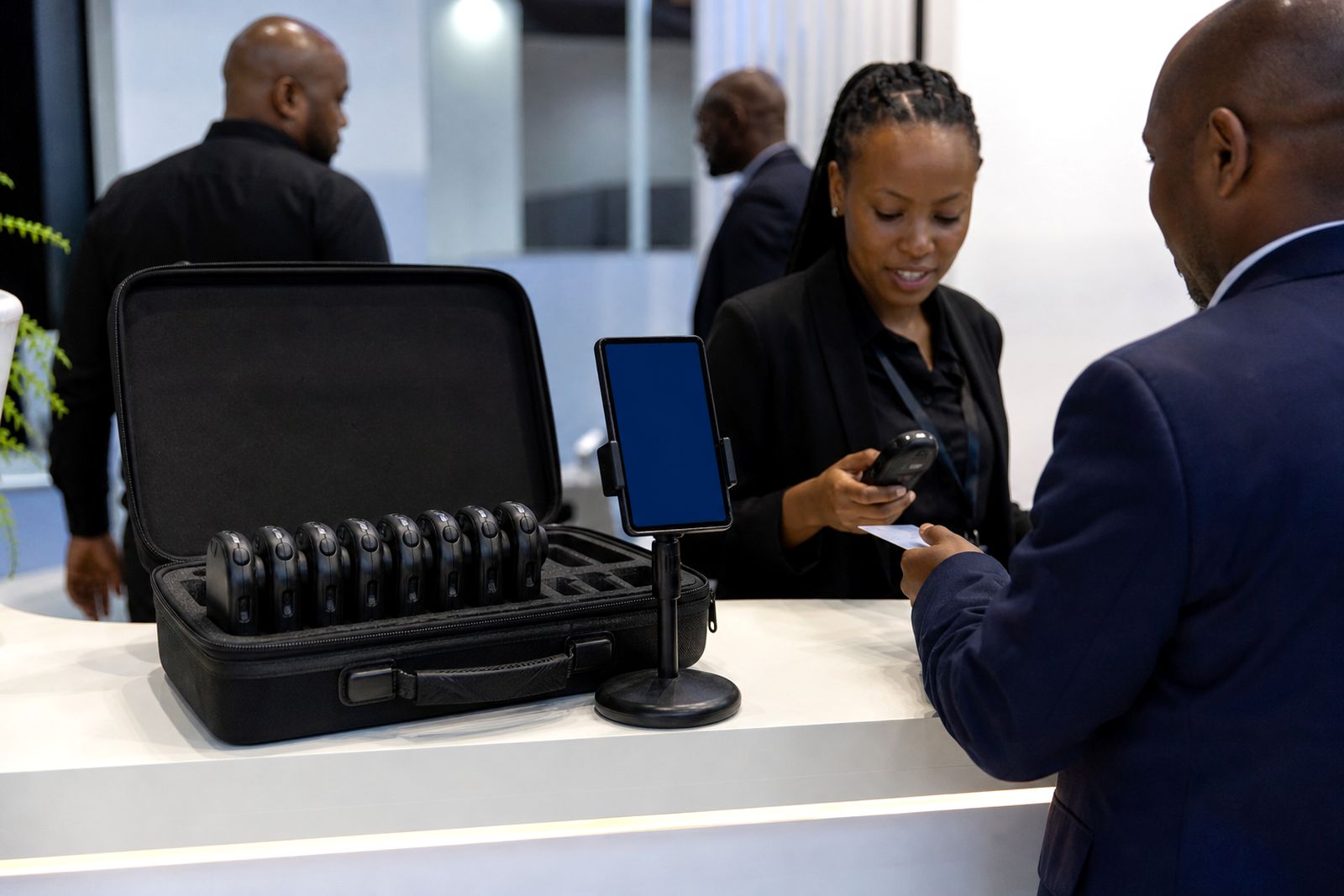
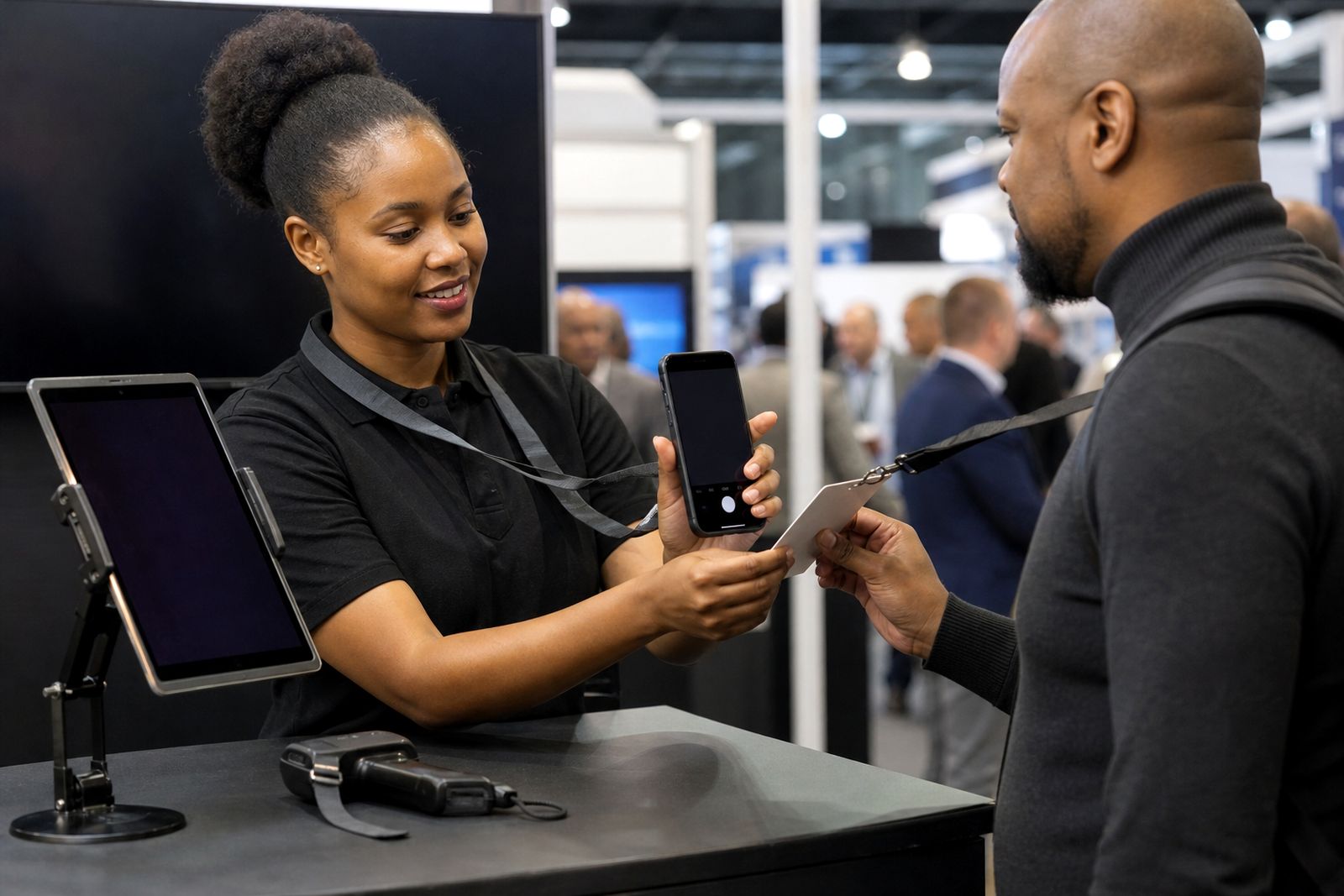
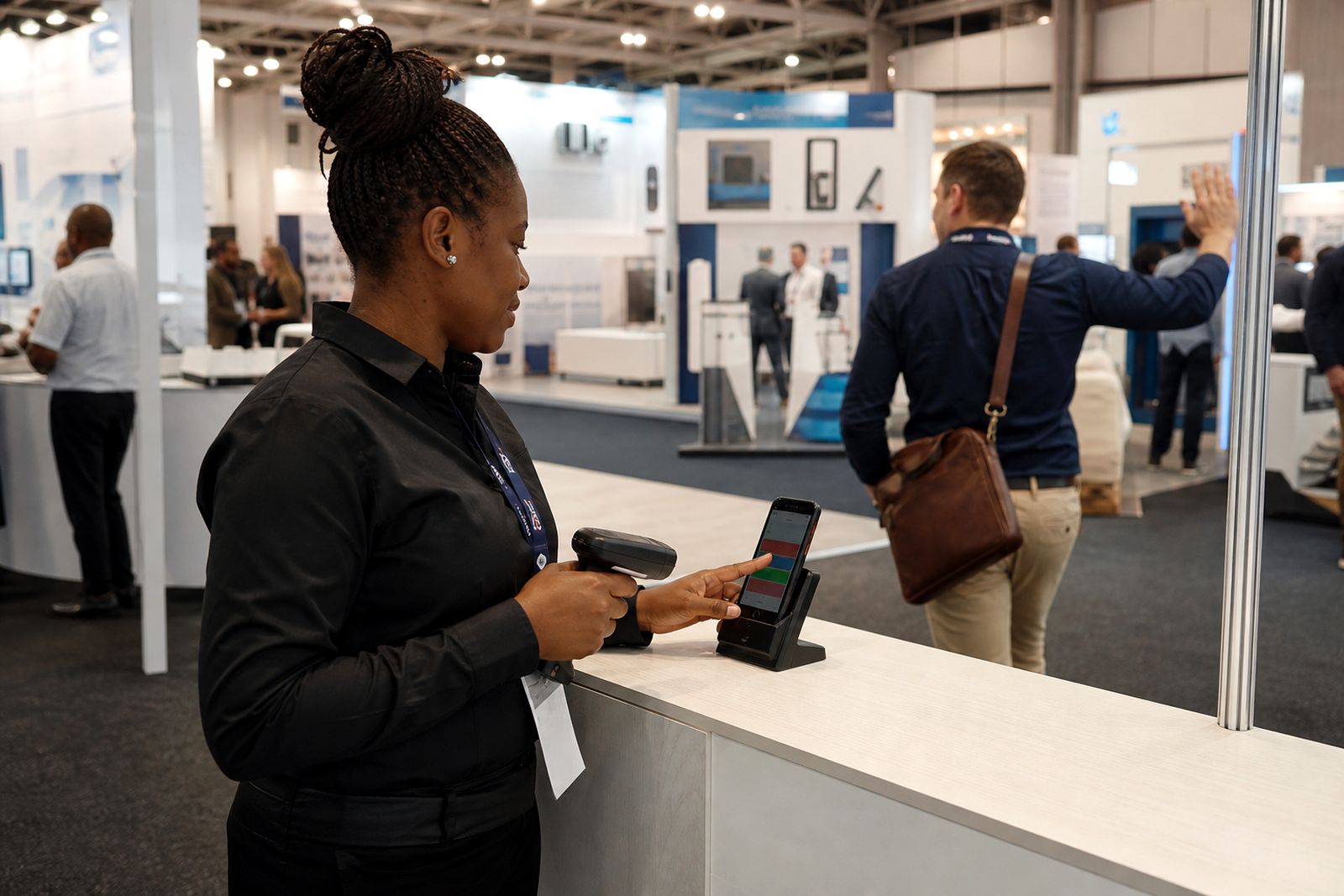
If your team used handheld scanners at the stand, return and upload should already be planned. If you used the phone app, confirm that each team member has synced all records. This is especially important after patchy signal in large halls or busy coastal venues where reception can dip for periods. One missing batch can mean a whole morning of leads sitting on one phone.
- Confirm all devices have synced before staff leave the show city.
- Check that hot, warm and cold tags are visible on every lead where needed.
- Listen to voice notes and replace unclear short notes with proper typed comments.
- Merge obvious duplicates before sending leads into your CRM.
- Keep one final backup export for internal records.
Review hot, warm and cold properly
Lead tags only help if everyone on the team used the same standard. After the show, take thirty minutes with sales and review what counted as hot, warm or cold on your stand. A visitor who asked for pricing, delivery timing or stock availability is not the same as someone who wanted a brochure for later. If you do not correct this now, your sales team may spend Friday afternoon calling the wrong people first.
Use the notes attached to each scan to tighten the ranking. Voice notes are useful here because they capture tone, urgency and context that a single tag cannot. A short note like “needs quote for three branches in Durban” is far more useful than a bare scan with no detail. If a note is vague, get the staff member who scanned that visitor to explain it while they still remember the conversation.
It also helps to split warm leads into practical groups, even if your CRM only has one warm label. For example, separate people asking for a quote from people asking for a demo or site visit. That small bit of sorting makes follow-up less messy, and gives your sales team a better first call list.
Push leads into the right CRM fields
Once the list is cleaned, send it into your CRM with sensible field mapping. Do not dump everything into one notes field if the information can be split into owner, source, priority, city and next action. A proper sync makes reporting easier later and helps your team avoid chasing leads blind.
Check the basics first. Source should identify the expo, owner should match the salesperson or region, and lead status should reflect the tag from the stand. If you work across Johannesburg, Durban and Cape Town, make sure city or province is captured clearly because follow-up routes, visit planning and shipping discussions often depend on location.
- Map hot, warm and cold tags to your normal CRM lead status.
- Keep voice notes or typed summaries attached to the contact or opportunity record.
- Assign an owner before the list lands in a general queue.
- Add source details so your team can separate expo leads from web or referral leads.
- Create a next step field such as call, quote, demo, meeting or send product info.
If your CRM sync is delayed until everyone is back in the office, set one person to own the process. Too many hands can cause duplicate imports, missing notes or overwritten records.
Follow up within the first working day
Speed matters. Visitors may have spoken to twenty stands in one day, and by the time they get back to the office they are sorting business cards, WhatsApp messages and internal queries. If your team gets in touch early, there is a far better chance the visitor remembers the exact conversation, the product discussed and the reason they stopped at your stand.
Start with hot leads first. These should get a call or a personalised message on the first working day after the event. Warm leads can follow just after that with a clear next step, not a generic sales pitch. Cold leads still have value, but they should not block urgent work for stronger prospects.
- Hot leads: contact first, aim for a direct next action.
- Warm leads: follow with useful detail linked to the stand conversation.
- Cold leads: place into a lighter nurture list for later follow-up.
- Use the original note so the opening line sounds informed, not random.
- Record every attempted contact in the CRM straight away.
If your team is travelling back from Cape Town or Durban, do not wait until everyone is fully settled. One person can start first-call follow-up from the airport or hotel if the lead notes are already synced. Even a quick “good to meet you at the expo, I will send the information we discussed” keeps your stand top of mind.
Turn stand notes into useful next actions
The best follow-up comes from context, not volume. A visitor who asked about delivery to a coastal site needs a different response from someone comparing options for a Johannesburg head office. This is where your stand notes earn their keep. Good notes should tell the sales team what to do next, not just what was said.
Read each note and convert it into one clear action. If the visitor asked for a quote, assign the quote. If they wanted a meeting next week, book it. If they asked technical questions, pass the lead to the right product specialist. Small delays happen when notes are too vague, so tidy them up before the handover if needed. A note saying “interested” helps almost no one.
It is also worth marking any promised documents or samples so they are sent quickly. Visitors notice when a supplier remembers the actual conversation, and they also notice when a team sends the wrong information. Simple accuracy counts for a lot.
Run a short post-show check
After the first wave of follow-up, do one short review with sales and event staff. You do not need a long meeting. Twenty minutes is enough to spot gaps and improve the next expo. Look at which scans had good notes, where duplicates came from and whether your tagging standard held up across the whole team. This kind of review keeps the process practical rather than theoretical.
Also check for operational issues. Did some devices stay offline too long, did staff forget to tag leads, or did the team need more training on qualifying questions? Those are fixable problems if they are picked up early. Leave them for a month and nobody remembers what happened at the stand.
- Count how many leads are still unassigned.
- Check that all hot leads have had a first contact attempt.
- Find weak notes and identify which staff need extra guidance.
- Review duplicate records and adjust team process for the next expo.
- Confirm that promised quotes, meetings and product info were actually sent.
If you want a smoother process at your next event, plan the follow-up workflow before the show opens, not after it closes. That one change saves a lot of scrappy admin later.
What our Lead Capture customers say
Verified Google reviews
Questions we get asked
How soon should we follow up after an expo?
Start with hot leads on the first working day after the event. Warm leads should follow soon after, using the stand notes so the message matches the conversation.
What if some scans were captured while the phone had poor signal?
The app can hold records until the device reconnects. Before your team leaves the venue or travels home, check that every phone has completed its sync.
Can we send tagged leads straight into our CRM?
Yes, but it helps to review duplicates, notes and ownership first. A quick clean-up before sync usually saves time for sales and admin later on.
Also worth a look

Book scanners for your stand
Send a note through our contact form with the expo, your stand size and how many staff will scan, and our team will reply with options.
Open the contact form