Guides
Our guides help exhibitors collect cleaner lead data and act on it faster after the show. Start here if you need practical steps for scanners, the phone app, lead tagging and CRM sync.

What you will find in these guides
This section brings together the day to day advice exhibitors ask for before a show in Johannesburg, Durban and Cape Town. The focus is simple: help stand staff scan badges quickly, ask the right questions, tag each lead clearly and get the data into your CRM without a scramble after pack-up.
Some guides are about setup before the show opens, such as assigning staff and checking that each device is ready. Others are about what happens on the stand when the aisle gets busy and people want quick answers. You will also find notes on offline use, voice notes and post-show handover so teh sales team receives leads in a format they can work with.
Choose the guide that matches your setup
If you already know whether your team will use rented handheld scanners or the phone app, pick the guide that matches that method first. If you are still deciding, use the comparison below to narrow it down based on stand conditions, staffing and how you want to work during the event.
- Start with scanner hire if you want a dedicated device on the stand and a simple handover process for temporary staff.
- Start with the phone app if your team prefers using their own handsets and you want each operator linked to their own login.
- Read lead tagging next if your main problem is weak qualification and poor follow-up priority.
- Read CRM sync first if head office needs leads pushed across soon after each day closes.
- Use the training guides if you have a mixed team, relief staff or short shifts across the event.
Scanner hire or phone app
Both options capture badge data, but they suit different stand routines. A rented handheld scanner is useful where you want one clear tool per counter position and less variation between users. The phone app suits teams that move around the hall, meet visitors at product displays or split time between the stand and meetings.
- Handheld scanner: best for fixed counters, shared shifts, quick pass-and-scan use and teams that want less tapping on screen.
- Phone app: best for roaming staff, smaller stands, adding notes on the spot and using one login per operator.
- Offline concerns: if signal inside the hall is patchy, read the offline guide before show day.
- Collection and return: if you are renting hardware, check the collection and return notes early so there is no last minute confusion.
There is no single right answer for every exhibitor. A compact stand with two staff may prefer phones, while a larger team with rotating operators may find scanners easier to manage over a long day.
Why lead tagging matters more than extra scans
A long scan list is not much use if nobody can tell who asked for pricing, who wants a site visit and who only wanted a brochure. The lead tagging guides are there to help your team sort visitors while the conversation is still fresh. A simple hot, warm and cold structure stops good opportunities from being buried under general traffic.
Keep the tag rules plain and repeat them in your staff briefing. For example, hot may mean a live requirement and authority to buy, warm may mean interest with timing still open, and cold may mean general research only. If every operator uses the same rule set your sales team can work from the list without second guessing what each tag means, which saves time after the event.
Voice notes and qualifying questions on the stand
Short voice notes help when a visitor gives detail that does not fit neatly into a standard field. This is especially useful in a noisy hall where typing long notes slows the queue. The best notes are brief and specific: product interest, time frame, branch location, buying role and the next promised action.
- Ask two or three qualifying questions, not ten.
- Record the next step clearly, such as quote required or call next week.
- Keep voice notes short so follow-up staff can review them quickly.
- Use the same wording across the team where possible.
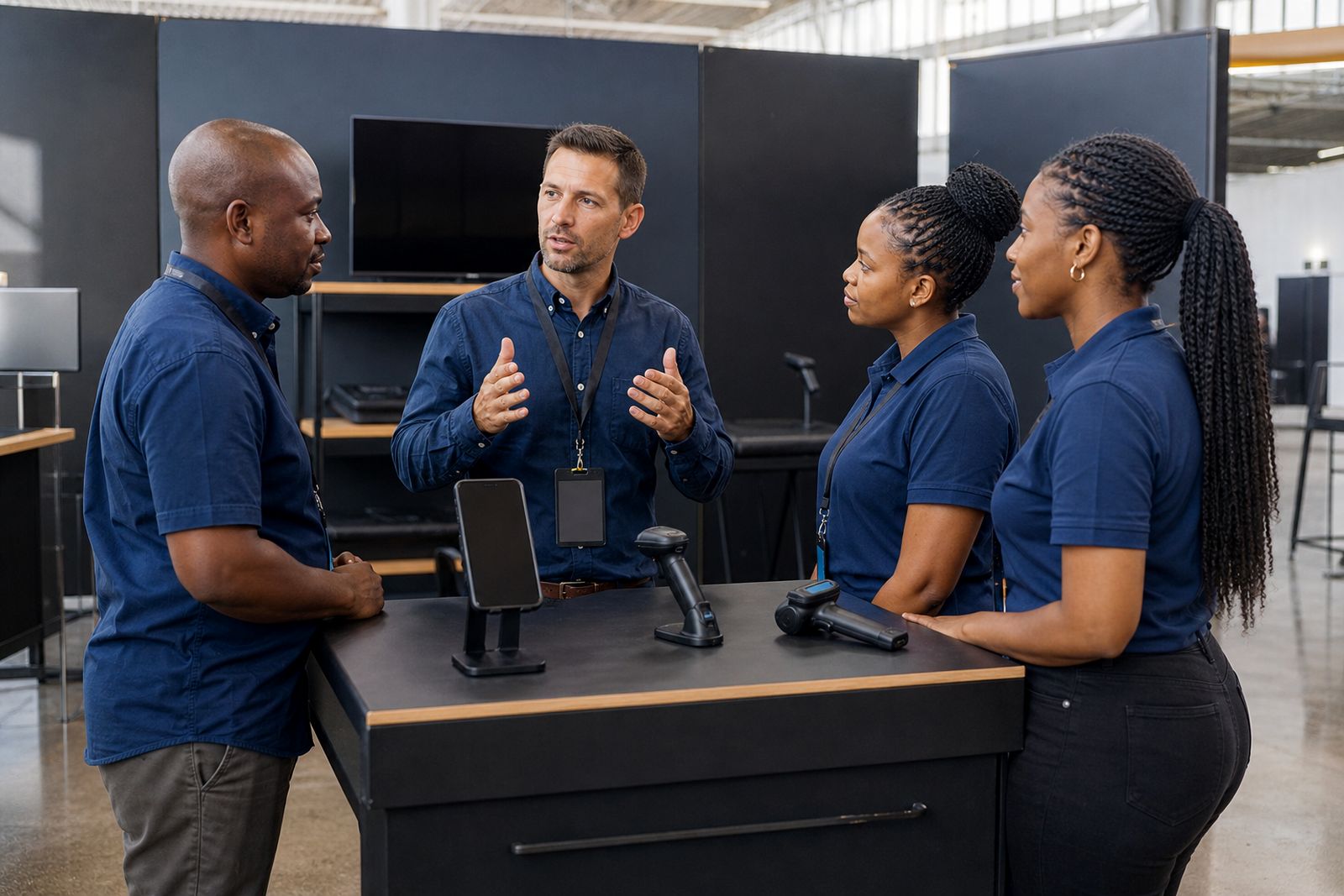
If your stand gets crowded, agree beforehand who scans, who talks and who handles deeper technical queries. That small bit of planning keeps the line moving and stops details being lost when a new visitor walks up.
Plan the handover before the show ends
The best time to think about CRM sync is before the first badge is scanned. Decide who will check lead quality each day, who will confirm tags are being used properly and who will handle the final export or sync after the show. This matters even more when teams travel back to Johannesburg, Durban or Cape Town straight after breakdown.
Use the CRM guides if your internal team needs leads grouped by branch, territory, product line or priority. A clean handover means fewer missed calls on Monday morning and less chasing around for context. If staff are tired after a long event this step can get messy fast, so keep the process written down and easy to follow.

What our Lead Capture customers say
Verified Google reviews
Questions we get asked
Which guide should I read first if this is our first expo?
Start with the training stand staff guide, then read the scanner or phone app guide that matches your setup. After that, move to lead tagging and CRM sync.
Do the guides help if internet access in the hall is unreliable?
Yes. Read the working offline guide before show day so your team knows what to expect and how to keep capturing leads when signal is poor.
Can these guides help a mixed team with temporary stand staff?
Yes. The guides are written for practical use on busy stands, including short briefings, shared rules for hot, warm and cold tags, and cleaner post-show handover.
Book scanners for your stand
Send a note through our contact form with the expo, your stand size and how many staff will scan, and our team will reply with options.
Open the contact form