Training stand staff
A short briefing before the first visitors arrive saves a lot of sorting out later. Use this guide to show your team how to scan quickly, qualify leads properly and hand over clean data after the show.
Start with a 15 minute briefing
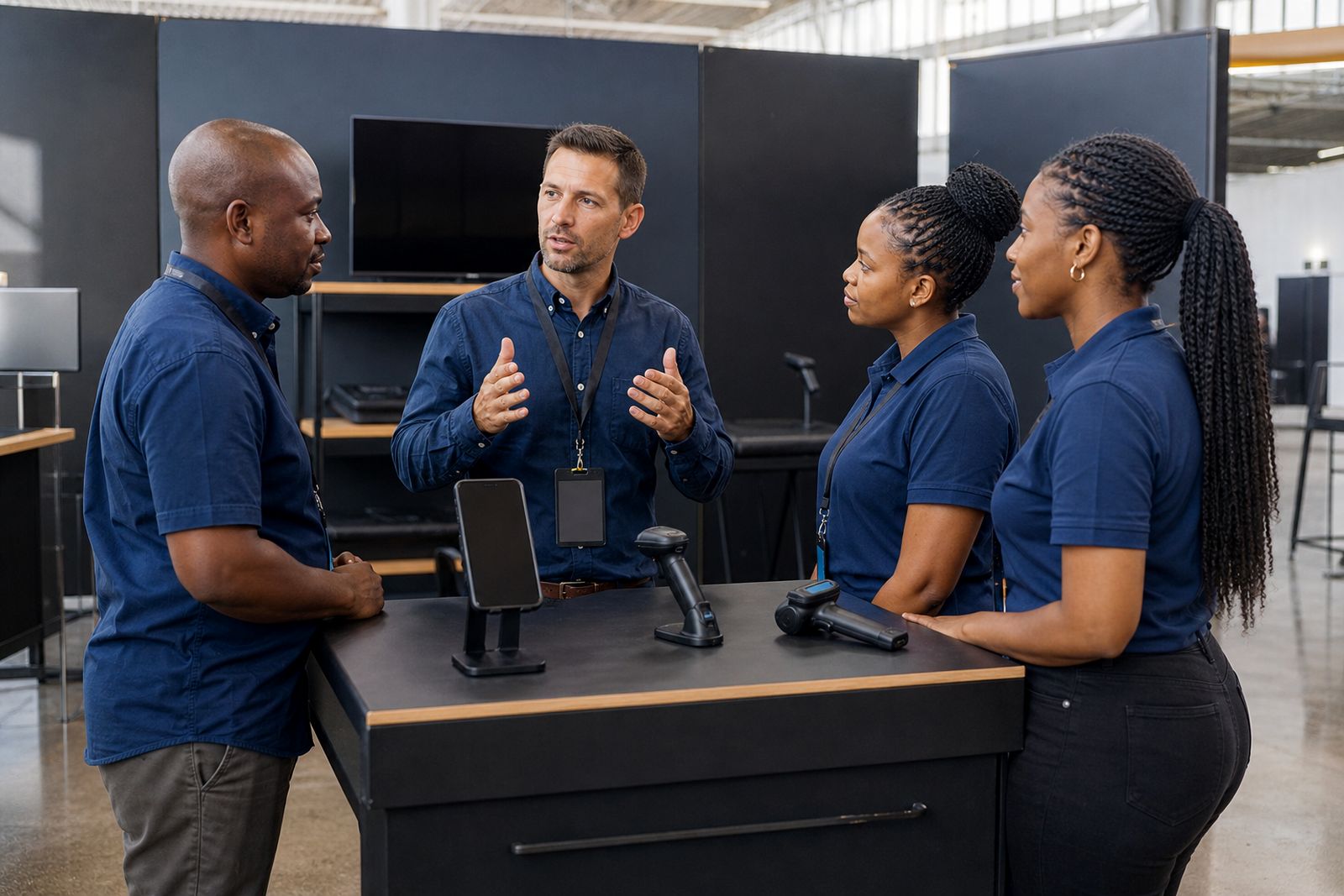
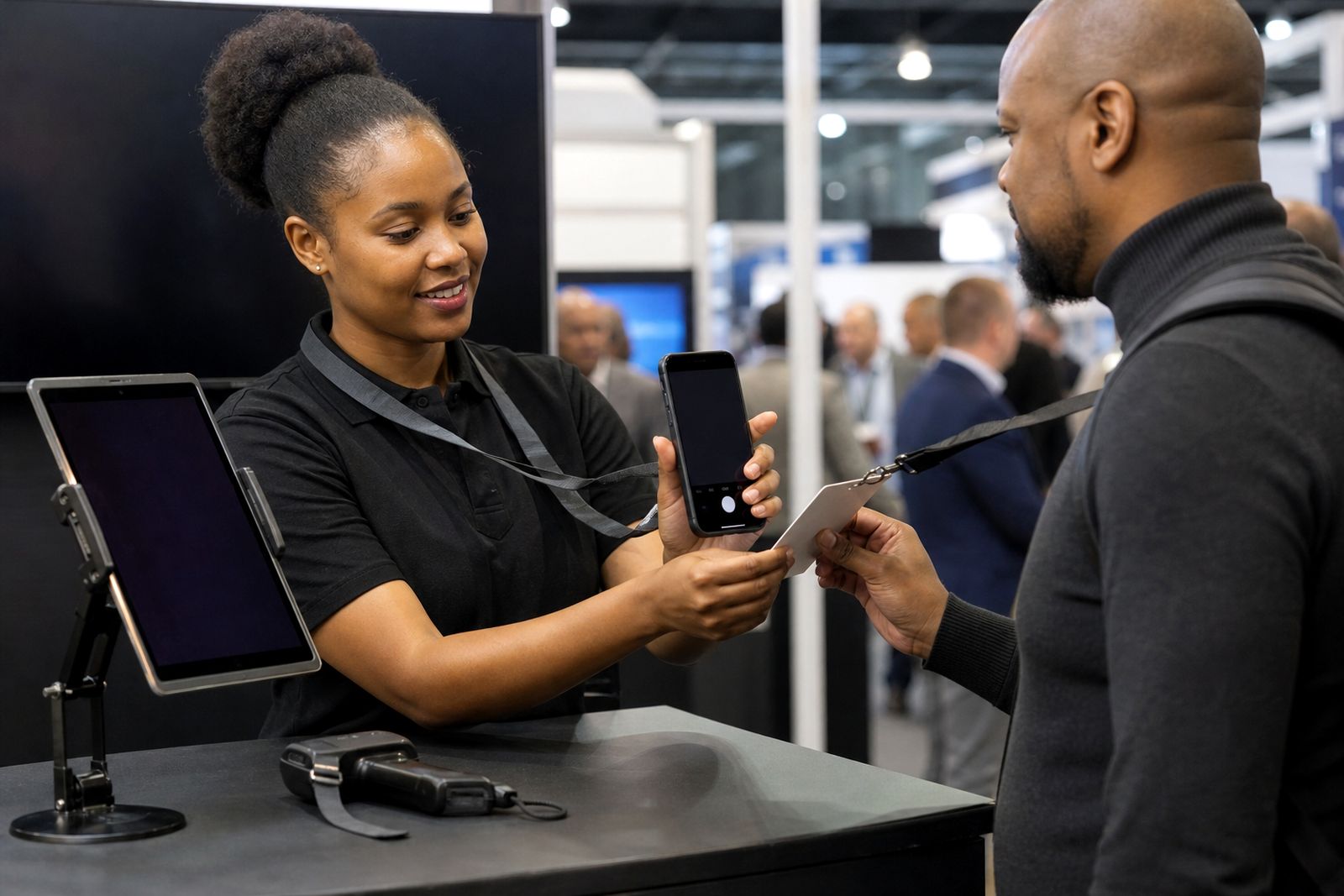
Do the training at the stand before doors open, with the actual scanner or phone each person will use. Keep it short and practical. The aim is not to explain every setting. The aim is to make sure each operator can scan a badge, ask two or three useful questions, tag the lead correctly and move on without holding up the aisle.
If your team is working in shifts, repeat the same briefing for the afternoon crew. Expo halls in Johannesburg, Durban and Cape Town can get noisy once traffic picks up, so run through the basics while the stand is still calm. One person should lead the briefing and one person should check that every device is charged and signed in.
- Give each operator one device for the day where possible.
- Confirm who is responsible for spare batteries, charging cables or power banks.
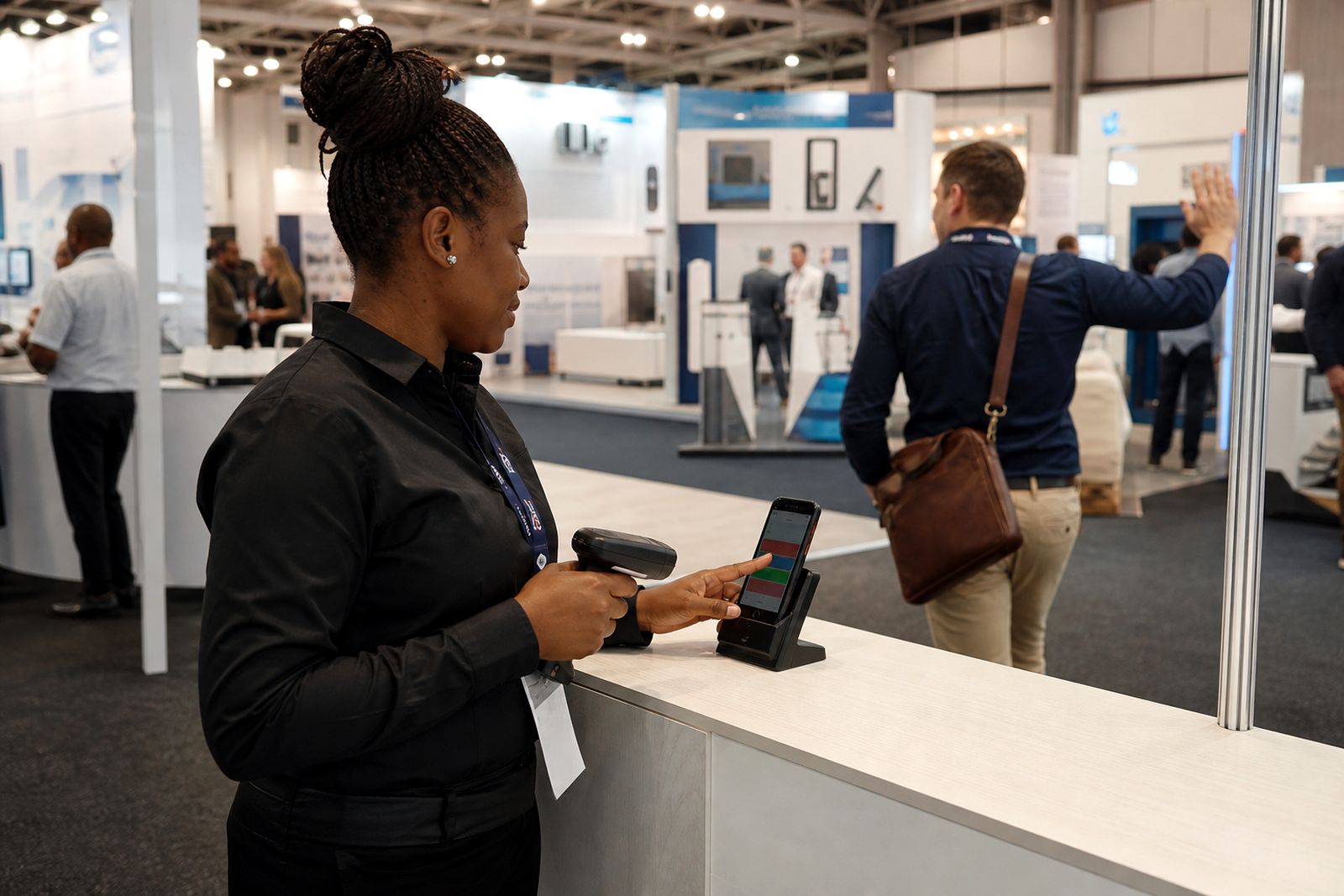
- Show staff where scanned leads appear on the device.
- Explain what to do if a badge does not scan on the first try.
- Set one rule for who handles technical issues during the show.
Show the exact scan process
Stand staff should practise the full sequence, not only the scan itself. A clean routine helps when foot traffic gets heavy. Ask each person to hold the scanner or phone steady, wait for the confirmation on screen, then move straight to the lead questions. If the team hesitates after scanning they will forget details, or skip notes when the next visitor arrives.
A good practice run is one minute per person. Have them scan a sample badge, tag it, add a short note and save it. If you are using phones, remind the team to keep screen brightness sensible so the battery lasts through the day. In bigger halls mobile signal can vary, so they must know whether the app is working online or storing records for later sync.
- Scan the badge once and wait for the success message.
- Check the visitor name or company field if shown on screen.
- Ask the agreed qualifying questions.
- Choose hot, warm or cold before starting the next conversation.
- Add a short typed note or voice note while the details are fresh.
Agree on the qualifying questions
The biggest difference between useful lead capture and a long list of weak contacts is the questions your team asks. Keep the list short enough that staff will actually use it. For most exhibitors, three questions is enough. The answers should help your sales team know whether to call the person today, this week or after the event.
Do not let every operator make up their own system. If one person asks about budget, another asks about timing and a third asks nothing at all, your follow-up list will be uneven. Decide on your questions before day one and write them down where the team can see them. A laminated sheet kept on the stand helps, especially when relief staff step in for lunch.
- What are you looking for today?
- Are you comparing suppliers or replacing an existing service?
- When do you need to make a decision?
- Who else is involved in approval?
If a visitor only wants general information, that is still worth capturing, but the note must say so clearly. A quick honest note is better than an optimistic guess.
Use hot, warm and cold the same way
Lead tags only help if everyone uses the same standard. Spend a few minutes defining what hot, warm and cold mean for your team. Keep the meaning plain. Hot should mean ready for quick follow-up, warm should mean genuine interest but not immediate action, and cold should mean low priority or early stage interest. If every operator applies those tags differently, your sales team back at the office will not trust the list.
Give examples from your own sales process. A hot lead might be a visitor who asked for a quote and confirmed a decision timeline. A warm lead might be researching options for later in the quarter. A cold lead might be a student, competitor, supplier, or a visitor collecting information with no near-term need. Make sure staff know that cold does not mean useless. It simply means lower urgency.
It helps to tell the team that when they are unsure, they should choose the lower priority tag and leave a better note. Notes often explain context better than an over-hopeful label, and that makes follow-up cleaner.
Train staff to leave useful notes
Notes are where the real value sits. A scanned badge tells you who visited. A note tells you why they stopped, what they asked for and what should happen next. Ask staff to keep notes short but specific. One line with a clear action is enough. Long rambling notes get skipped later, and no note at all forces your sales team to guess.
Voice notes work well on a busy stand because they are faster than typing. Still, they need discipline. The operator should step half a pace aside after the conversation and record the note immediately. In a crowded hall background noise can creep in, so the person must speak clearly and keep it brief.
- State the product or service discussed.
- Mention the timing if the visitor gave one.
- Note any promised follow-up such as brochure, quote or call.
- Include any site, branch or region if relevant.
- Avoid personal comments or anything the sales team cannot act on.
Good example: “Asked for quote this week, Durban branch, decision with ops manager, needs rollout next month.” That gives the next person something solid to work with.
Prepare for quiet signal, power cuts and handover
Even a well-run expo can have patchy reception in parts of the hall, and power cuts can affect charging plans at hotels or during travel. Staff should know how to carry on if the connection drops. If you are using the phone app, explain whether scans and notes save on the device until the signal returns. If you are renting handheld scanners, show the team how to confirm that each scan has been stored before moving to the next visitor.
At the end of each day, do a simple check before anyone leaves the venue. Confirm devices are accounted for, batteries are charging and the lead list has been reviewed. It only takes a few minutes and can prevent a messy morning on day two.
- Check battery level at lunch and again before the last hour.
- Confirm offline records are waiting to sync or have already synced.
- Review a sample of leads for missing tags or blank notes.
- Store scanners and phones securely when the hall closes.
- Assign one person to handle collection and return arrangements after the event.
On the final day, make sure the team knows who signs off the lead export or CRM push. That final step often gets rushed when exhibitors are packing up and trying to beat traffic, but it matters just as much as the first scan.
What our Lead Capture customers say
Verified Google reviews
Questions we get asked
How long should the stand staff briefing take?
Usually 15 to 20 minutes is enough if you train on the actual devices and keep the focus on scanning, lead tags, notes and end-of-day checks.
Should every team member use the same qualifying questions?
Yes. A shared set of questions keeps your lead quality consistent and makes the follow-up list far easier for your sales team to work through.
What if the signal is poor in the hall?
Train staff before the show starts on how the device behaves offline, how to confirm a scan has saved, and when records should sync later.
Also worth a look

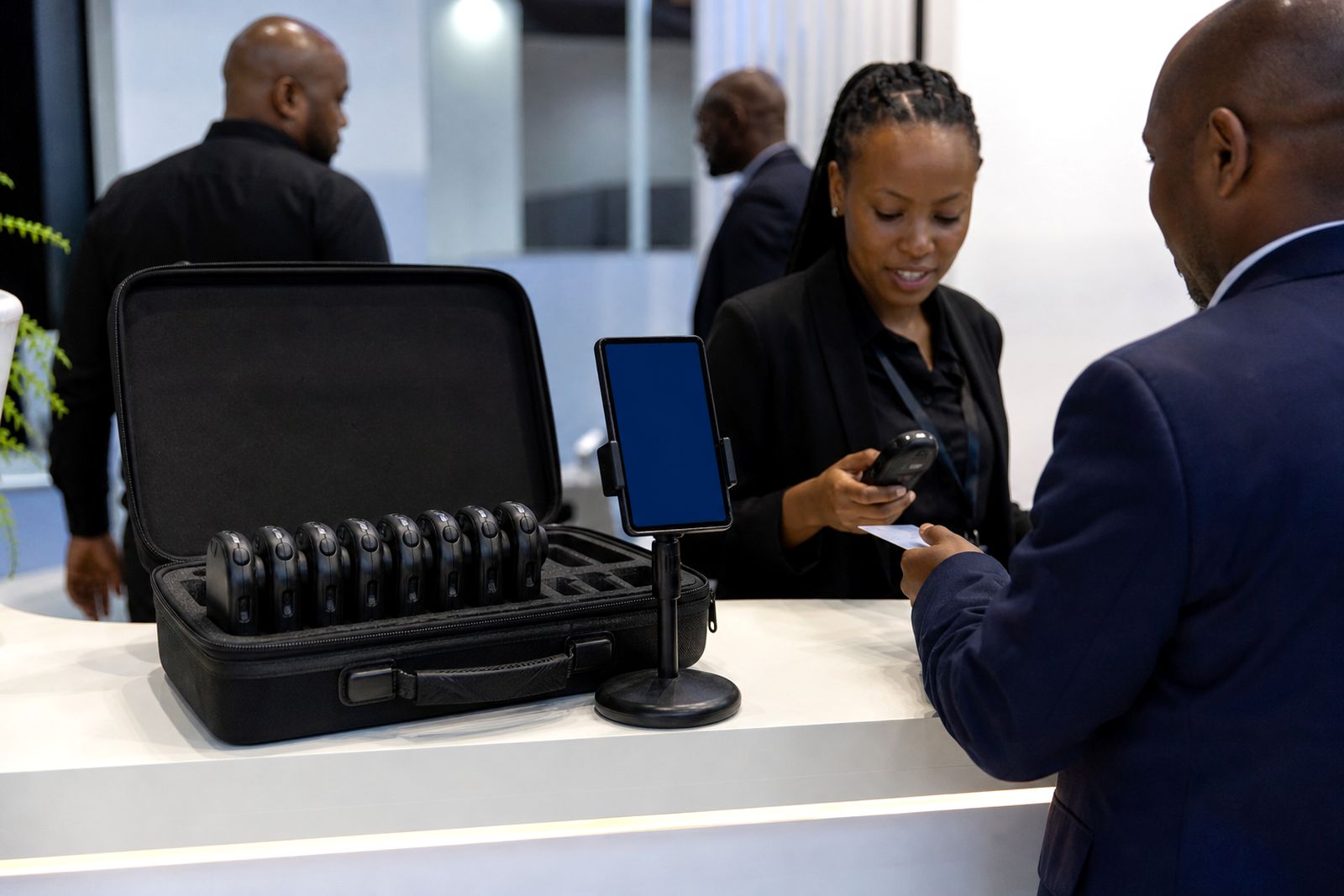
Book scanners for your stand
Send a note through our contact form with the expo, your stand size and how many staff will scan, and our team will reply with options.
Open the contact form