Connecting your CRM
We link your badge scans and lead notes to the sales system your team already uses. That means less manual capture after the expo and a cleaner handover to sales, marketing and branch teams.

What this service includes
Connecting your CRM is the setup work that sits between badge scanning on the stand and follow-up by your sales team. We map the fields collected by the scanner or phone app, check how hot, warm and cold tags should appear in your system, and make sure voice notes and time stamps are handed over in a format your team can use. The aim is simple: leads should move from the expo floor into your own process without extra retyping.
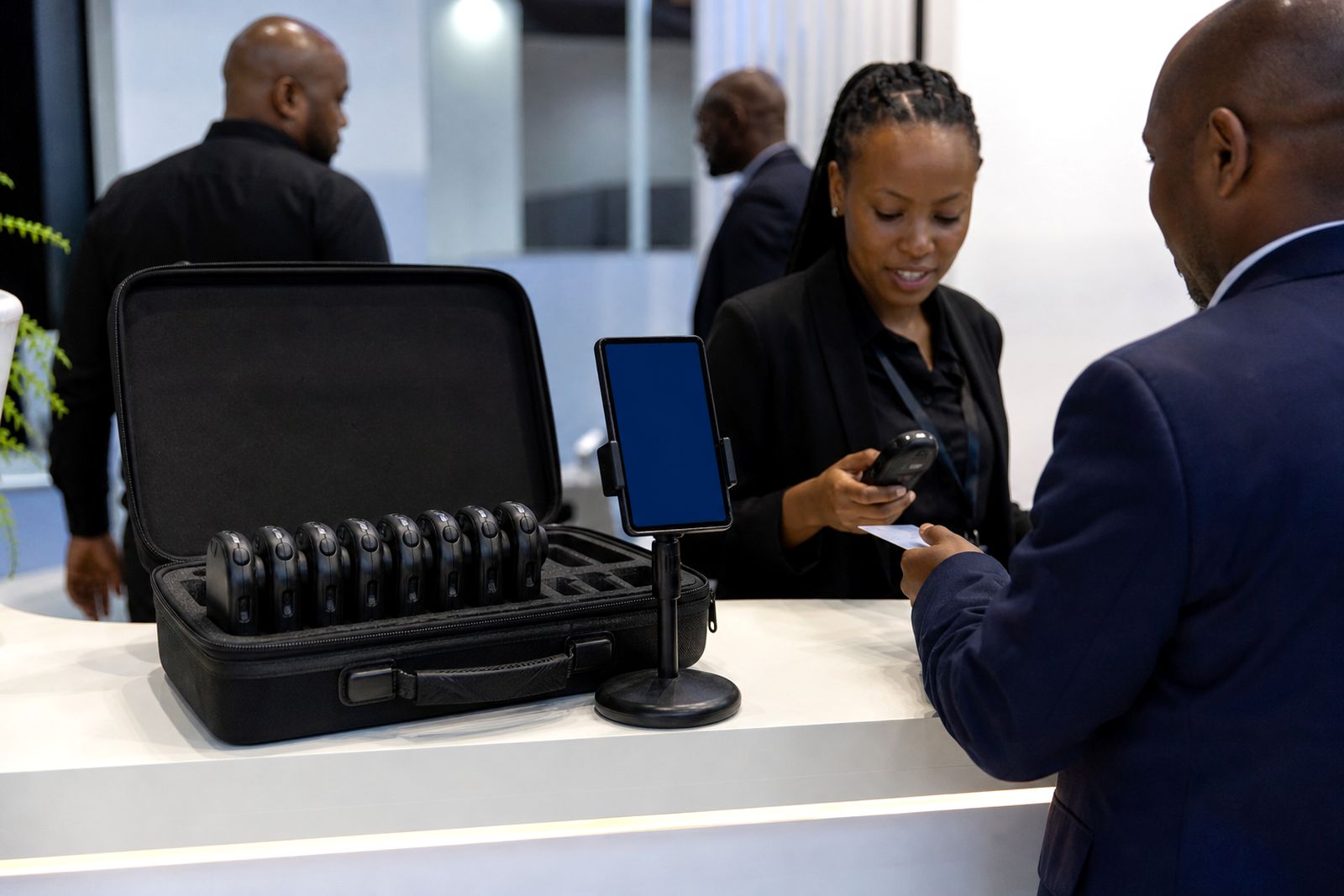
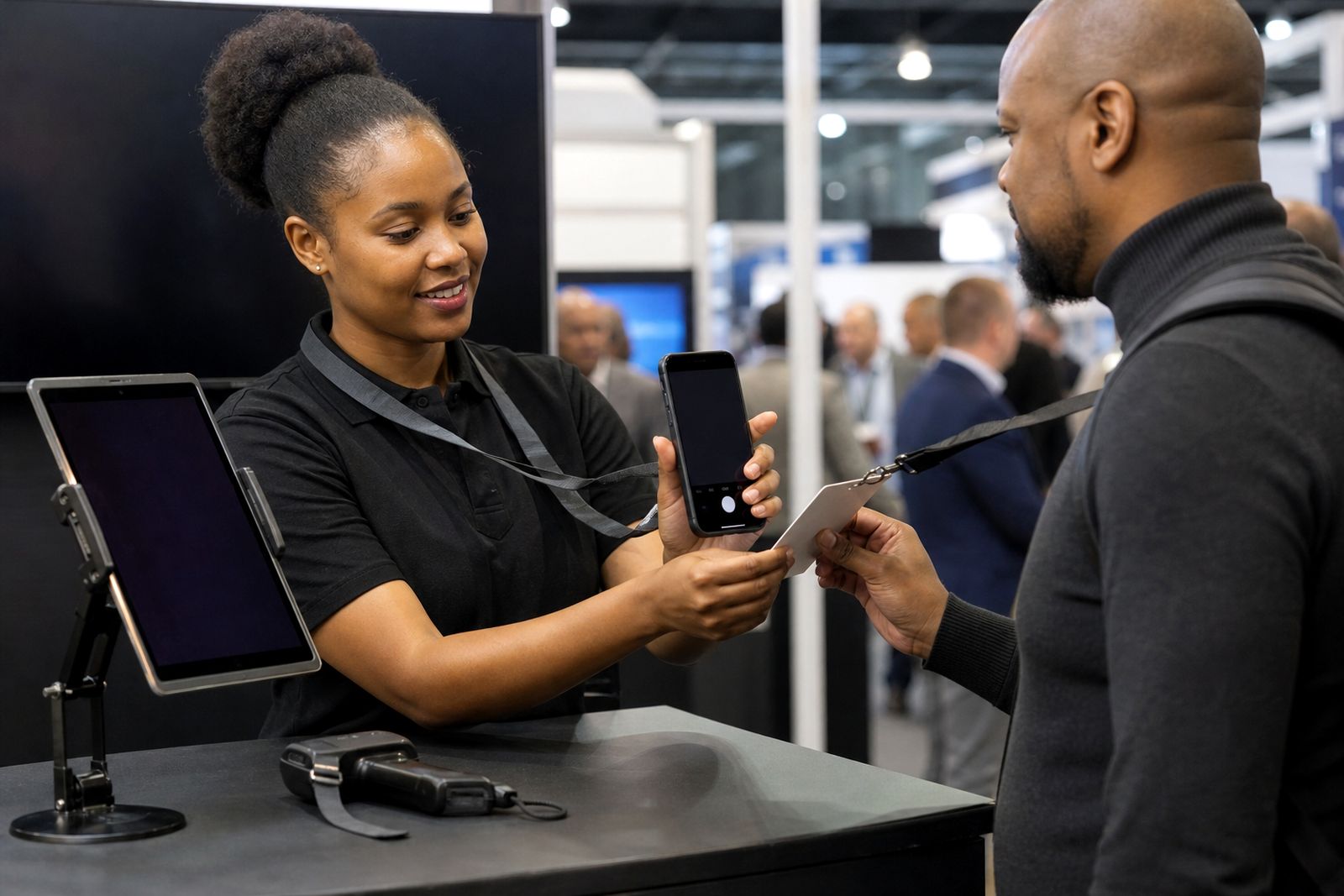
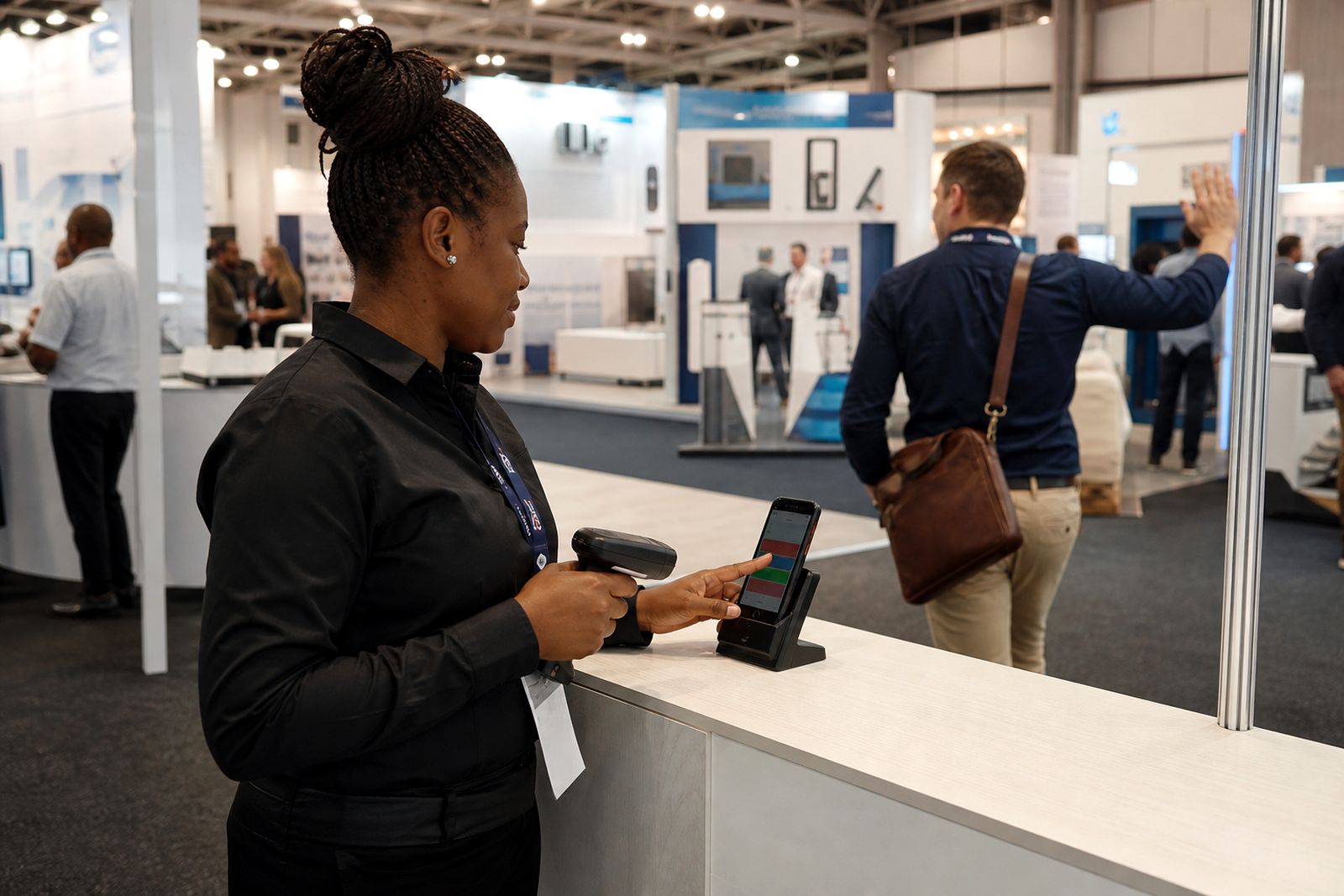
This service can be used with rented handheld scanners or with our phone app. It suits exhibitors working across Joburg, Durban and Cape Town, especially where several staff members are scanning at the same stand and one central sales team needs a single lead list after the event. If your stand will have patchy signal or short power cuts during the day we plan for that too, so sync happens when the device is back online.
- Field mapping for lead details, notes and tags
- Import or integration planning based on your CRM setup
- Test scans before the expo opens
- Handling for offline capture and later sync
- Post-show export checks and handover support
How the connection works step by step
We start by confirming what your team wants to see in the CRM once the expo is over. Some exhibitors want every scan to create a new lead, while others want the data added to an existing contact or queued for review first. We then match the captured fields to your CRM fields and confirm any required values such as lead owner, campaign name, branch, province or follow-up status.
Next we run a test using sample scans. This is where we check that the lead source, priority tag and voice note references are landing where they should. If your sales process needs a mandatory field, we flag it early so your stand staff are not stuck on the day. Once approved, the same setup is applied to the live event account.
During the expo, scans can sync as devices connect. If signal is poor in a hall, the records can queue on the device and send once the connection returns. After the show, we help confirm that all records have transferred and that duplicates or blank fields are dealt with in the agreed way.
- Confirm your sales workflow and lead ownership rules
- Map scan fields to CRM fields
- Test with sample records before the event
- Monitor sync behaviour during the expo where needed
- Check final handover after collection or app closeout
What you need to prepare before the expo
The smoothest CRM connection happens when the exhibitor supplies a few practical items upfront. We need to know which fields are required in your system, what should happen with duplicate contacts, and whether your team wants one shared import or separate lead lists by product line, stand team or region. If you have internal approval steps for system access, it helps to sort those out well before move-in day.
Please also decide who on your side will sign off the test results. One contact from sales operations or marketing usually works best. If too many people review the field map late in the week, setup can drag and simple things get missed.
- CRM field list, including any mandatory fields
- Rules for duplicates, lead owners and territories
- Preferred format for tags such as hot, warm and cold
- Access method for import or integration, where applicable
- One client contact for testing and sign-off
If your team is using the phone app, make sure each user is added in advance and that devices are charged. A power bank at the stand helps, especially on long expo days. For scanner hire, we confirm the unit allocation and handover so the right devices are linked to the right exhibitor account.
Data handling and practical setup details
Lead data from the stand is only useful if it arrives clean and readable. We therefore check formatting for names, job titles, mobile numbers and company fields where these are available from the badge source. We also look at how voice notes are referenced, since some teams want them attached to each record while others prefer a separate note field or review queue. Small decisions here make a big difference after the show when sales starts calling.
For multi-day expos, it is common to do an interim sync at the end of each day so your team can start follow-up before the event closes. This is useful for urgent enquiries and it also gives us a chance to spot any mapping issue early. If the hall connection is weak, we can plan around delayed syncing rather than forcing staff to stop scanning.
Where municipal venue rules limit certain network equipment on the floor, we work with standard device connectivity and practical fallback steps. Nothing fancy, just what will keep your lead flow moving on a busy stand.
How pricing is worked out
Pricing for CRM connection work depends on the amount of setup and support needed rather than on a one-size-fits-all figure. A simple export format with a small field map is quicker than a more involved setup with multiple teams, several lead categories and extra testing. For that reason, we ask you to use the enquiry form on our contact page so we can scope the work properly and send a quote.
In general, the quote is based on the number of scanning users or devices, the complexity of the field mapping, whether you need import preparation only or a deeper CRM link, and whether you want post-show support once the expo closes. If your team needs separate outputs for Johannesburg, Durban and Cape Town activity, or split files for different sales groups, that can also affect the scope.
- Number of users, scanners or app logins
- Simple export versus deeper CRM connection
- Single field map or multiple lead paths
- Testing requirements before the event
- Aftercare and post-show checking requested
Aftercare once the show is done
Our job does not stop when the stand packs down. After the expo we help confirm that the final data set is complete and that your team can see the records where they expect them. If a lead failed to sync because a device stayed offline until collection, we work through that handover and make sure it is accounted for. We can also assist with a final export for internal checking before your sales team begins bulk follow-up.
This aftercare is useful when several operators worked the stand and management needs one final list. We can help verify totals by device or user, check that hot leads are clearly marked and confirm that voice notes were carried through in the agreed format. It saves time, and it helps avoid the usual post-show scramble where marketing has one list and sales has another.
If you expect a tight follow-up window, tell us before the expo opens so we can plan the handover around your team’s deadlines.
What our Lead Capture customers say
Verified Google reviews
Questions we get asked
Can you connect to any CRM?
We can work with many common CRM setups, but the exact method depends on your access rules, required fields and whether you want an import file or a deeper connection. We confirm the practical route during scoping.
What happens if the internet drops at the venue?
Scans can still be captured on the device and synced later when the connection returns. We plan for weak hall signal and power cuts so your staff can keep working.
Do you help after the expo ends?
Yes. We can assist with final sync checks, export review and handover so your sales team receives a usable lead list without extra manual cleanup.
Also worth a look

Book scanners for your stand
Send a note through our contact form with the expo, your stand size and how many staff will scan, and our team will reply with options.
Open the contact form