Voice notes
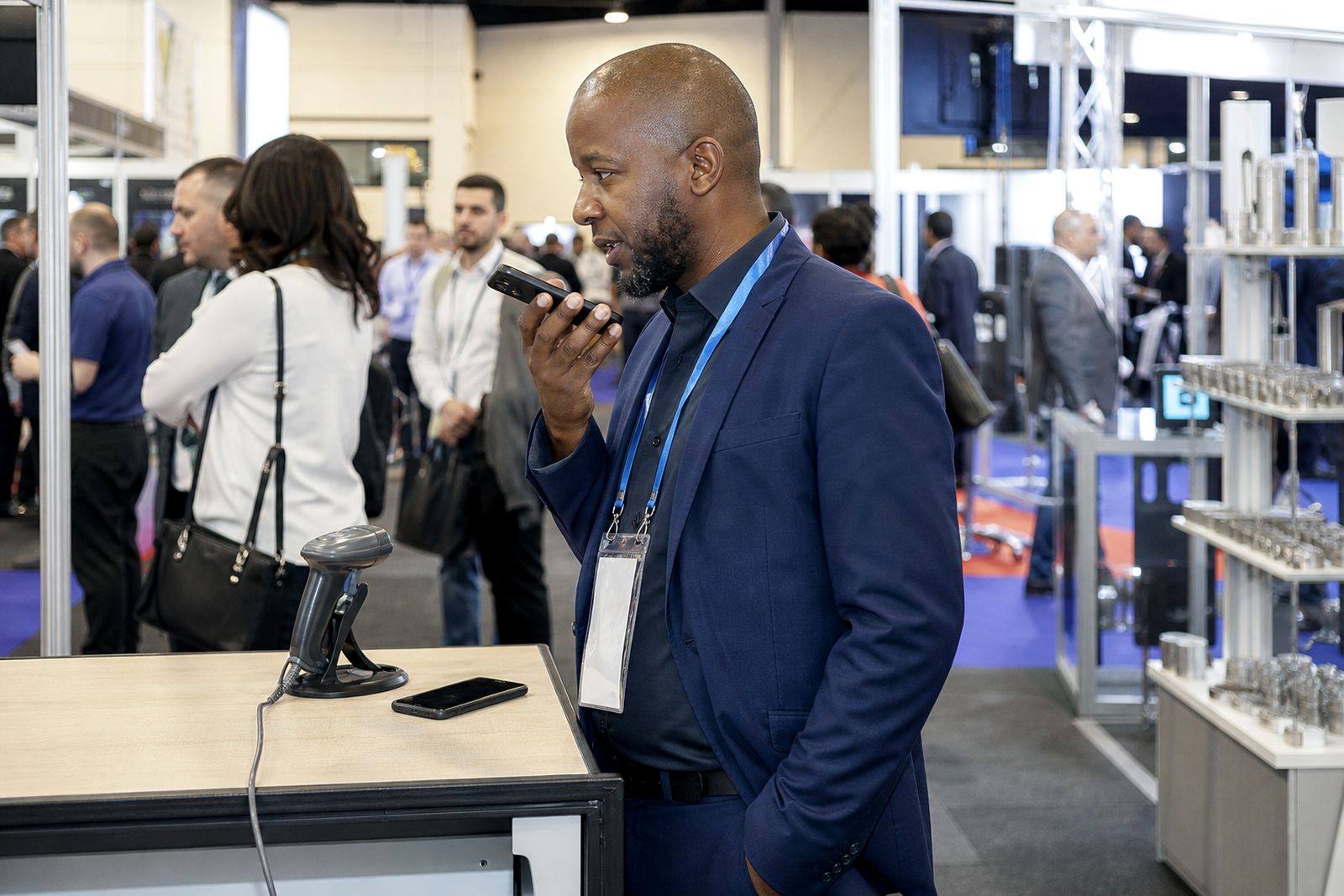
Voice notes help your stand team capture the detail that does not fit into a quick tag or short typed note. Right after a badge scan, the operator can record what the visitor asked for, what site they work on, and what needs to happen next.
What is included
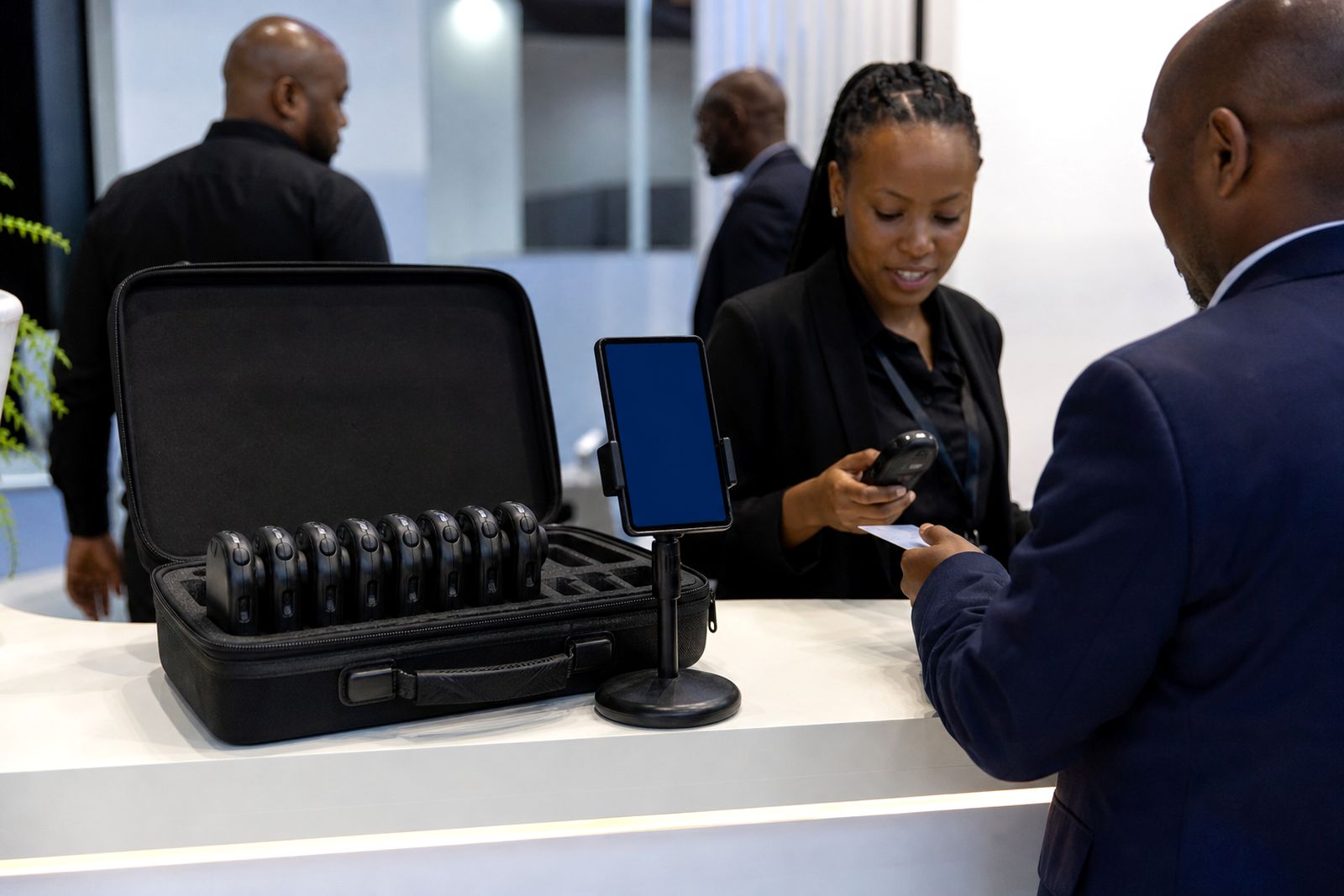
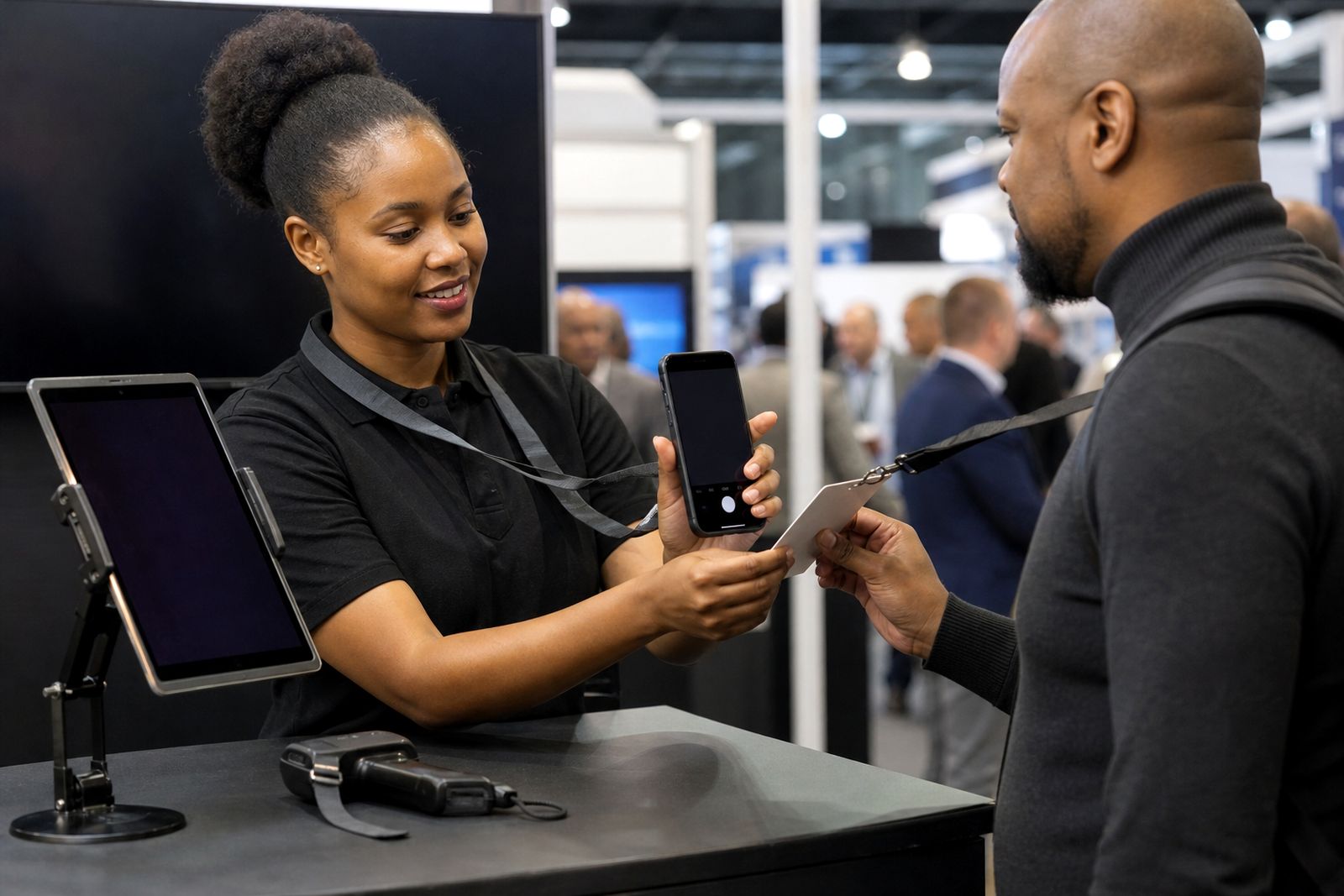
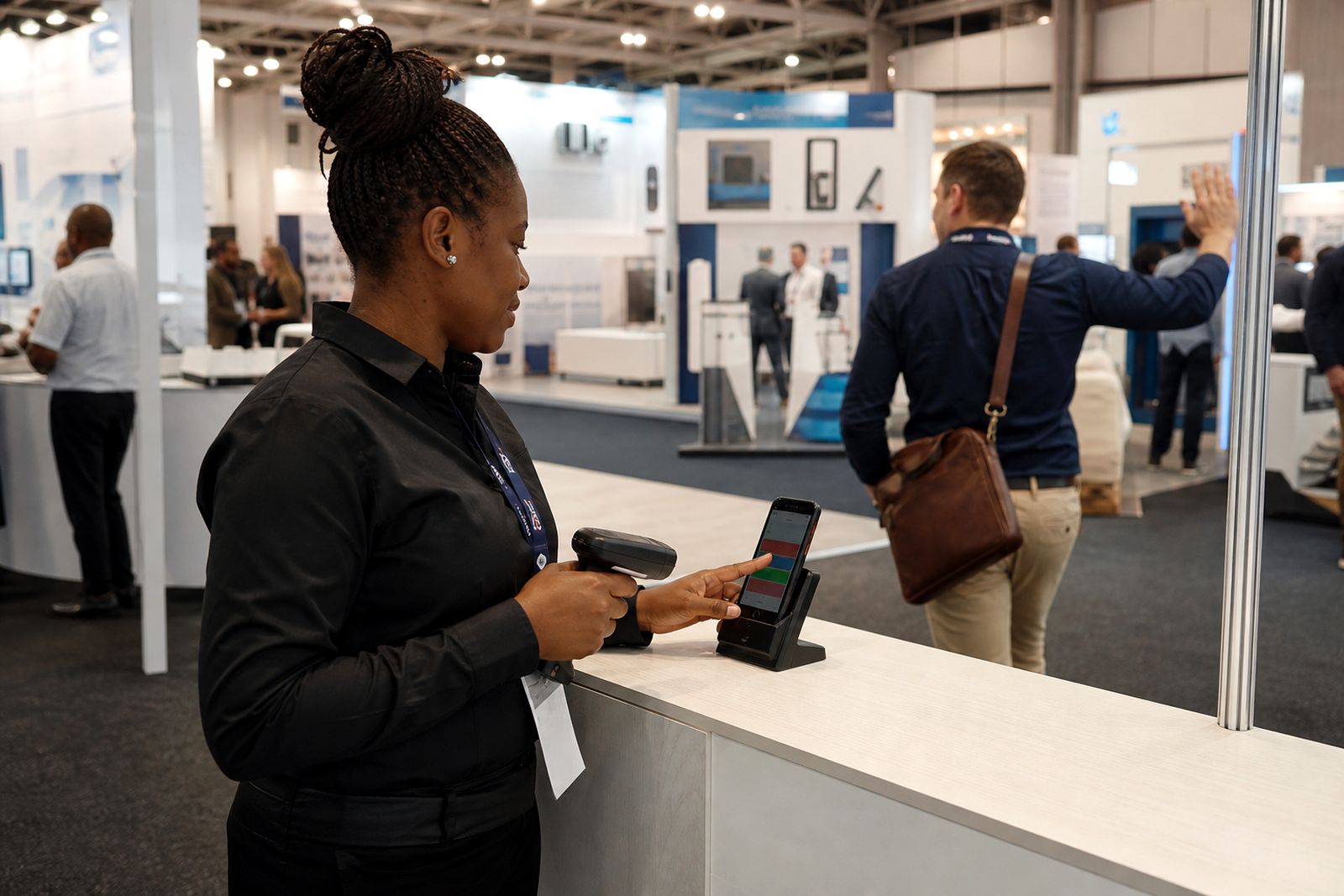
Our voice note option forms part of the lead capture process used at exhibition stands in Johannesburg, Durban and Cape Town. After a badge is scanned with a handheld unit or captured in the phone app, the operator can attach a short spoken note to that lead record. This is useful when the visitor asks for technical detail, mentions a buying timeline, or gives a site-specific requirement that would take too long to type while the aisle is busy.
We set the note function so it is easy to reach from the lead screen, and we check that the recorded audio links to the correct lead before the show opens. If your team is using hot, warm and cold lead tagging, the note sits alongside that tag so your sales team can hear the context, not just see a category.
- Voice note recording linked to each scanned lead
- Use with handheld scanners where the workflow includes an app screen, or with the phone app at the stand
- Lead record kept with badge details, tag status and note
- Export or CRM push with note reference, depending on your setup
When voice notes are worth using
At a busy expo stand, the best information is often spoken once and then lost. A visitor may mention branch requirements in Durban, a fitment issue in Cape Town, or a delivery constraint in Joburg. They may ask for a revised quote, a site visit, a spec sheet, or stock timing after the event. A spoken note captures that in the operator's own words while the conversation is still fresh.
This works especially well for products or services with a longer sales cycle, multiple decision makers, or technical questions. It also helps when your team is rotating across shifts and the follow-up will be done by someone who did not meet the visitor in person. A quick note can save a lot of guesswork later and cuts down on vague handovers.
- Useful for technical enquiries and custom requirements
- Helps record buying stage and next action
- Good for teams working in shifts or across regions
- Reduces missed detail after the event, especially on the last day when everyone is tired
How the process works on the stand
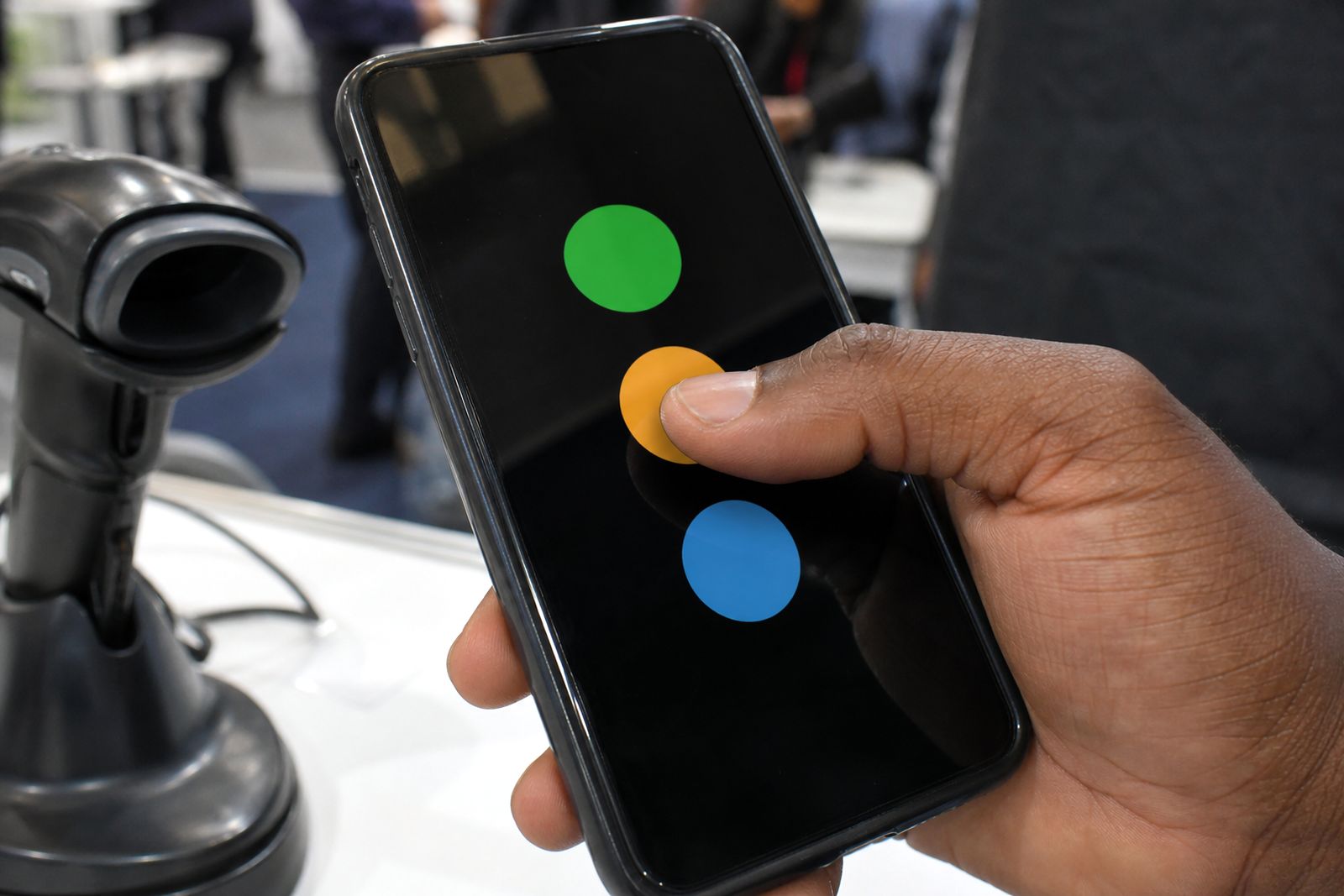
The process is straightforward. First, the operator scans the visitor badge or captures the lead in the phone app. Second, the operator tags the lead as hot, warm or cold. Third, if the conversation includes anything that needs more context, the operator taps the voice note option and records a short message. In most cases, ten to thirty seconds is enough.
Good notes are specific. Instead of saying “send info”, the operator should say what info is needed, what the visitor is comparing, who else needs to see it, and when follow-up should happen. If there is background noise on the floor the operator should step half a metre to the side and speak clearly, it makes a difference.
Once saved, the note stays attached to that lead record. If the device is temporarily offline, the note and lead details are queued and sent once data is available again, subject to the setup selected for the event.
- Scan or capture the lead
- Tag the lead hot, warm or cold
- Record a short spoken summary
- Save and move to the next visitor
What you should prepare before the expo
Before the event, decide who will be allowed to record notes and what sort of detail your sales team needs afterwards. A simple note guide helps keep things consistent across the stand team. We normally suggest a short format: need, timing, authority, next step. That keeps recordings brief and makes post-show sorting much easier.
You should also confirm your CRM fields or import format in advance if you want note references included in the data push. Where phone-based capture is being used, each operator should arrive with a charged handset and enough storage space for the event. If power cuts affect charging at your accommodation or build-up period, bring power banks so devices are ready when doors open.
- Choose which team members will record voice notes
- Prepare a note script with the key points to capture
- Confirm mobile data or offline workflow for the event
- Check handset battery health, charging cables and storage space
- Plan who will review notes after each show day
How pricing is worked out
Pricing depends on the event setup rather than a flat public rate. The main factors are the number of users or devices, whether you are renting handheld units or using the phone app, the event duration, the collection and return arrangement, and whether CRM sync is part of the job. If you need pre-show team setup or extra testing on site, that also affects the quote.
Voice notes themselves are usually scoped as part of the lead capture workflow because they rely on the same lead record, user permissions and export or sync path. We do not publish made-up figures. Send your event details through the contact page and we will quote on the setup that fits your stand and team size.
- Number of scanning users or rented devices
- Length of the expo and operating hours
- Phone app setup or handheld scanner workflow
- Offline use, sync method and after-show export needs
- Collection, return and support requirements
Aftercare and post-show follow-up
After the event, your leads can be exported or pushed into your CRM according to the agreed setup. Where voice notes are included, your sales team can review them alongside tags and visitor details so the first follow-up call or message is based on what was actually discussed at the stand. That matters when the visitor asked for a sample, a branch contact, a technical callback or a quote revision.
We also recommend a quick internal review after each show day if the event runs over more than one day. A sales lead or stand supervisor can listen to urgent hot leads before the hall opens the next morning and make sure anything time-sensitive is already in motion. It is a small step but it helps a lot.
If you are returning rented equipment, we will confirm the handover process and check that the captured records have been received before close-out. For app users, we can help verify that final sync has completed once the stand is packed down.
What our Lead Capture customers say
Verified Google reviews
Questions we get asked
How long should a voice note be?
Keep it short and specific. In most cases, ten to thirty seconds is enough to capture the visitor's need, timing and next step.
Can voice notes still be used if the signal is poor at the venue?
Yes, if your setup includes offline working the lead record and note can queue on the device and send later when data is available.
Do all stand staff need to record notes?
Not always. Many exhibitors give note access only to the team members handling technical or sales-qualified conversations.
Also worth a look
Book scanners for your stand
Send a note through our contact form with the expo, your stand size and how many staff will scan, and our team will reply with options.
Open the contact form